Enterprise architecture tools solve a specific problem, giving architects and IT leadership a shared, structured picture of how strategy, applications, data, and infrastructure connect.
The alternative is scattered diagrams and tribal knowledge, and picking the wrong tool means months of remodeling later.
I dug into the modeling depth, framework support, portfolio management, and governance features of 13 tools that consistently show up in real EA practices. I cross-checked vendor claims against pricing pages, documentation, and user reviews on G2, Gartner Peer Insights, and Reddit's r/EnterpriseArchitect.
A quick note before the list. You won't find Superblocks ranked here. It's a platform we build for enterprise app development, and it's useful for the layer below EA, but it doesn't model in ArchiMate or manage an application portfolio.
Forcing it onto this list would be dishonest. More on where it fits at the end.
13 best enterprise architecture tools: TL;DR
Here are the 13 tools, ranked by which practice each fits best:
- Sparx Enterprise Architect: Best for full modeling depth across every major notation.
- SAP LeanIX: Best for SaaS-based application portfolio management.
- ER/Studio: Best for enterprise data modeling and governance.
- Orbus Infinity: Best for Microsoft-integrated EA governance.
- Ardoq: Best for dynamic, data-driven architecture visualization.
- Avolution ABACUS: Best for custom meta-models and scenario planning.
- Bizzdesign Hopex: Best for connecting architecture to risk and compliance.
- Alfabet: Best for large enterprises with long-running EA programs.
- QualiWare X: Best for combining EA with business process management.
- The Essential Project: Best free, self-hosted EA tool with real depth.
- Archi: Best free tool for pure ArchiMate modeling.
- Jibility: Best for a single architect building capability roadmaps fast.
- Lucid Cloud Accelerator: Best for auto-generated cloud infrastructure diagrams.
How I researched and tested these EA tools
I spent time in every tool that offered a trial or demo environment, building out a small application portfolio model and a capability map to see how each one handled modeling, repository structure, and reporting.
For tools without open access, I relied on vendor documentation, analyst reviews, and real user reports on G2 and Gartner Peer Insights.
Here's what mattered most in that testing:
- Modeling depth: Whether the tool supports frameworks like TOGAF, ArchiMate, UML, and BPMN in practice, or just claims to.
- Portfolio and governance features: Version control, audit trails, and role-based access, since EA work is fundamentally about managing change over time.
- Accessibility beyond architects: Whether business stakeholders can read the outputs, not just the people who built the models.
- Integration breadth: How well each tool connects to CMDBs, ServiceNow, cloud platforms, and other systems of record.
- Real cost at scale: What a genuine multi-user, multi-module deployment costs in practice, not just the entry price.
Testing the same small model across all 13 made the split in this category obvious fast. Some tools are built for architects who live in modeling notation daily, others are built so a CIO can read a heatmap in five minutes, and a couple only really work if you're willing to self-host.
The enterprise architecture principles behind that split are worth understanding before you commit to either camp.
13 best enterprise architecture tools: quick comparison
| 🏛️ Tool | ⚡ Strengths | 🎯 Best For | 💰 Starting Price |
|---|---|---|---|
| Sparx EA | Every major modeling notation | Deep, framework-heavy modeling | $245/user (perpetual) |
| LeanIX | Fast portfolio visibility | App portfolio management | Custom quote |
| ER/Studio | Deep data modeling, reverse engineering | Enterprise data architecture | $2,687/user |
| Orbus Infinity | Visio/Excel-native workflow | Microsoft-standardized teams | Custom quote |
| Ardoq | Graph-based live visualization | Change impact analysis | Custom quote |
| ABACUS | Fully custom meta-models | Scenario and cost modeling | Custom quote |
| Bizzdesign Hopex | EA plus risk and GRC | Compliance-linked architecture | Custom quote |
| Alfabet | Deep repository, strong BI ties | Large, long-running EA programs | Custom quote |
| QualiWare X | EA plus BPM in one platform | Combined modeling and process work | Custom quote |
| Essential Project | Free, self-hostable core EA | Budget-conscious full EA | Cloud from $24,999/yr |
| Archi | Pure ArchiMate, zero cost | Lightweight ArchiMate modeling | Free |
| Jibility | Fast capability roadmapping | Solo architects, small teams | $59/user/month |
| Lucid Cloud Accelerator | Auto-imports cloud infrastructure | Live cloud documentation | Enterprise add-on, custom quote |
Pricing correct as of September 2026. Verify with vendor.
1. Sparx Enterprise Architect: Best for full modeling depth across every major notation
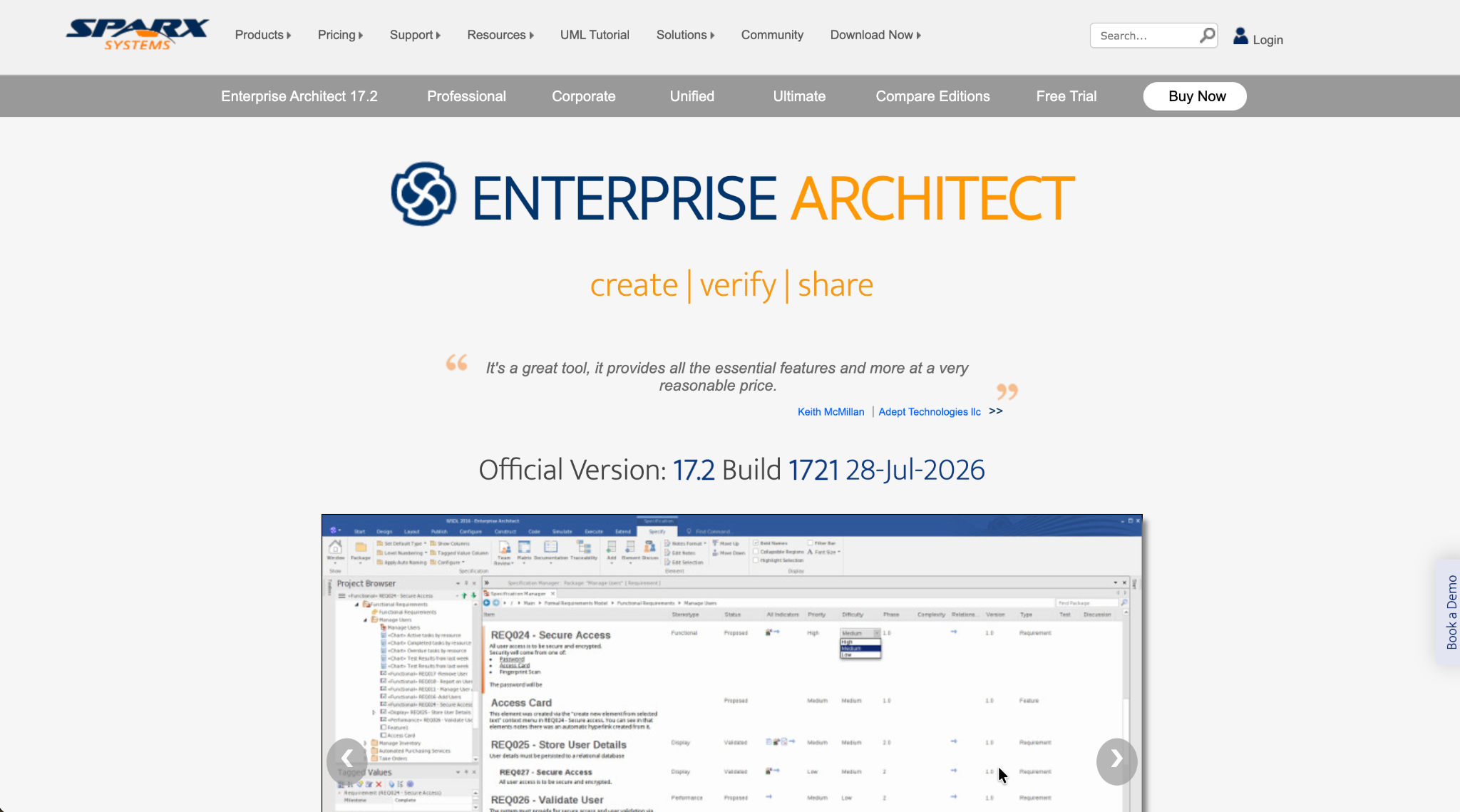
What it does: Sparx EA is a heavyweight desktop modeling tool supporting nearly every industry-standard notation, including UML, BPMN, and SysML, for teams that need to design, document, and analyze every architecture layer.
Best for: Enterprise architects and solution designers who need a genuine full modeling environment, not a lighter visibility tool.
Building a small model here took real setup time compared to the cloud-native tools on this list, but the traceability once it was running, linking a business goal all the way down to a specific system, was deeper than anything else I tested.
Key features
- Support for all major notations: UML, ArchiMate, BPMN, SysML, and custom frameworks in one environment.
- Central repository: Shared database with versioning and multi-user access controls.
- Code generation and simulation: Generate code from class models or run BPMN process simulations.
Pros
- ✅ Supports every major modeling language, not a limited subset.
- ✅ Deep traceability from business goals down to code.
- ✅ Affordable one-time licensing relative to subscription-based competitors.
Cons
- ❌ The interface feels dated and takes real time to learn.
- ❌ Collaboration is slower without a browser-based option.
What users say

“The solution provides collaborative capabilities with a component repository that makes high-level diagramming more efficient.” Verified User, Gartner

“Learning curve for new users can be a bit cumbersome for simple diagrams. Lack of support for macOS.” Verified User, Gartner
Pricing
Professional edition starts at $245 per user (Standard License), with Corporate at $320, Unified at $535, and Ultimate at $750. Floating licenses cost more at every tier. See Sparx EA's pricing.
Bottom line
Sparx EA earns its place for teams that need deep, multi-notation modeling. If your team just needs portfolio visibility, it's more tool than you need.
2. SAP LeanIX: Best for SaaS-based application portfolio management
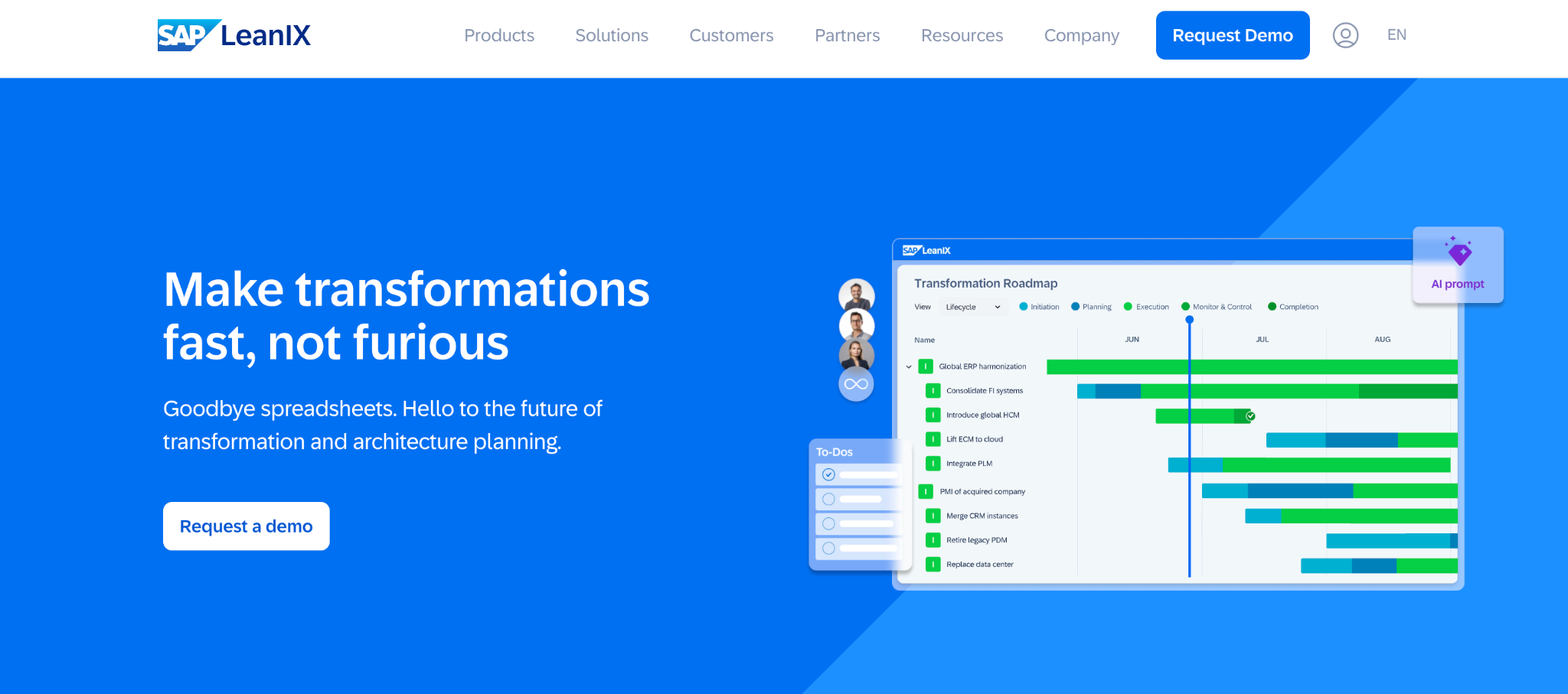
What it does: LeanIX is a cloud-native platform for cataloging, assessing, and optimizing an organization's application portfolio, with lifecycle and risk heatmaps built in.
Best for: CIO offices and platform teams who need architecture visibility without committing to heavy formal modeling.
Getting from signup to a usable application inventory took under an hour, the fastest onboarding of any tool on this list, though the tradeoff showed up quickly in the lack of formal ArchiMate or UML support.
Key features
- Application inventory: Catalog every app, owner, tech stack, and lifecycle stage.
- Business capability mapping: Link applications directly to the business value they support.
- Lifecycle and risk heatmaps: Surface redundant or end-of-life technology automatically.
Pros
- ✅ Fast time to value with usable out-of-the-box templates.
- ✅ Dashboards are readable by non-architect stakeholders.
- ✅ Strong native connectors to ServiceNow and CMDBs.
Cons
- ❌ No formal modeling support for ArchiMate or UML.
- ❌ Pricing scales up quickly as you add modules.
What users say
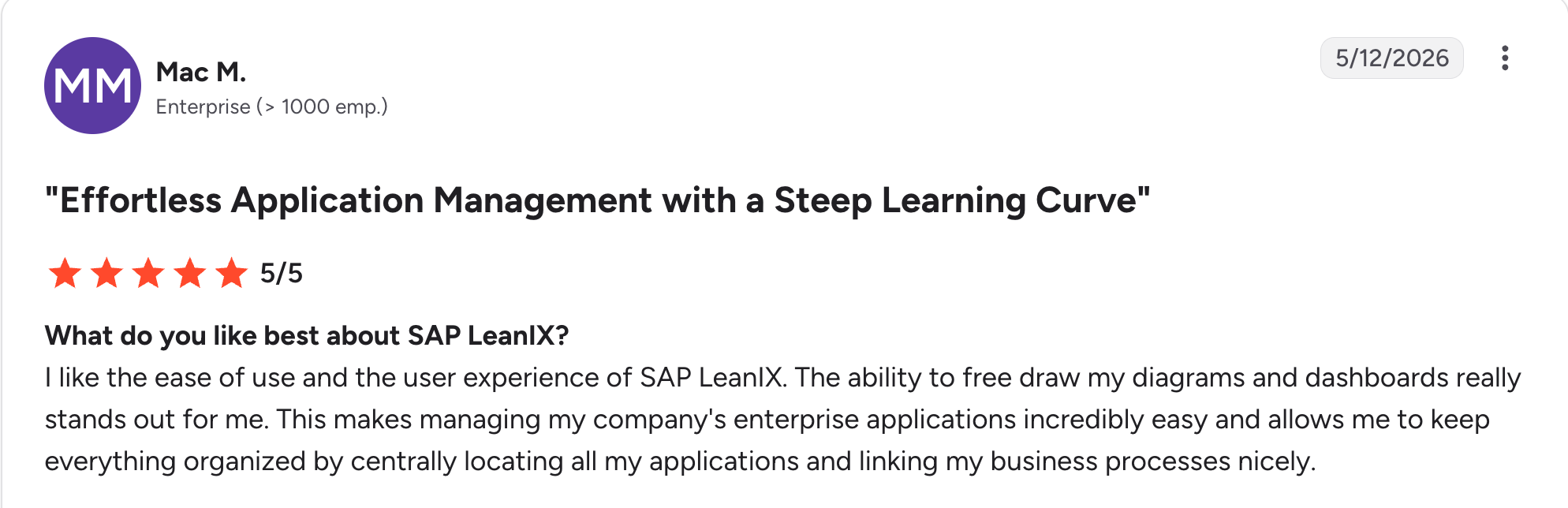
“The ability to free draw my diagrams and dashboards really stands out for me.” Mac M, G2

“Cost is too high.” Robert W, G2
Pricing
Subscription-based, priced by application count and module selection. Contact LeanIX for a quote. See LeanIX's pricing.
Bottom line
Fast portfolio visibility is where LeanIX pulls ahead of the field. If formal modeling notation is a hard requirement, look elsewhere on this list.
3. ER/Studio: Best for enterprise data modeling and governance
What it does: ER/Studio is an enterprise data modeling and architecture platform that helps data architects design, standardize, and govern complex data environments across cloud, on-premises, and hybrid databases.
Best for: Data architects and DBA teams who need enterprise-grade data modeling with governance, not general business-capability EA.
Reverse-engineering an existing database into a full logical model took a few minutes and caught relationships I would have missed mapping it by hand. ERbert, the built-in AI assistant, turned a plain-language description into a starting schema faster than sketching it myself.
Key features
- Reverse and forward engineering: Turn an existing database into an editable model, or generate clean DDL from a model you've designed.
- ERbert AI modeling assistant: Converts plain-language requests into structured data models.
- Governance integrations: Syncs with Microsoft Purview and Collibra for shared business glossaries and metadata consistency.
Pros
- ✅ Two decades of refinement specifically for data modeling depth.
- ✅ ERbert speeds up first-draft modeling without replacing architect judgment.
- ✅ Strong integration with governance tools teams already run.
Cons
- ❌ Focused on data architecture specifically, not business-capability or application-portfolio modeling.
- ❌ Per-user licensing gets expensive for larger data teams.
What users say
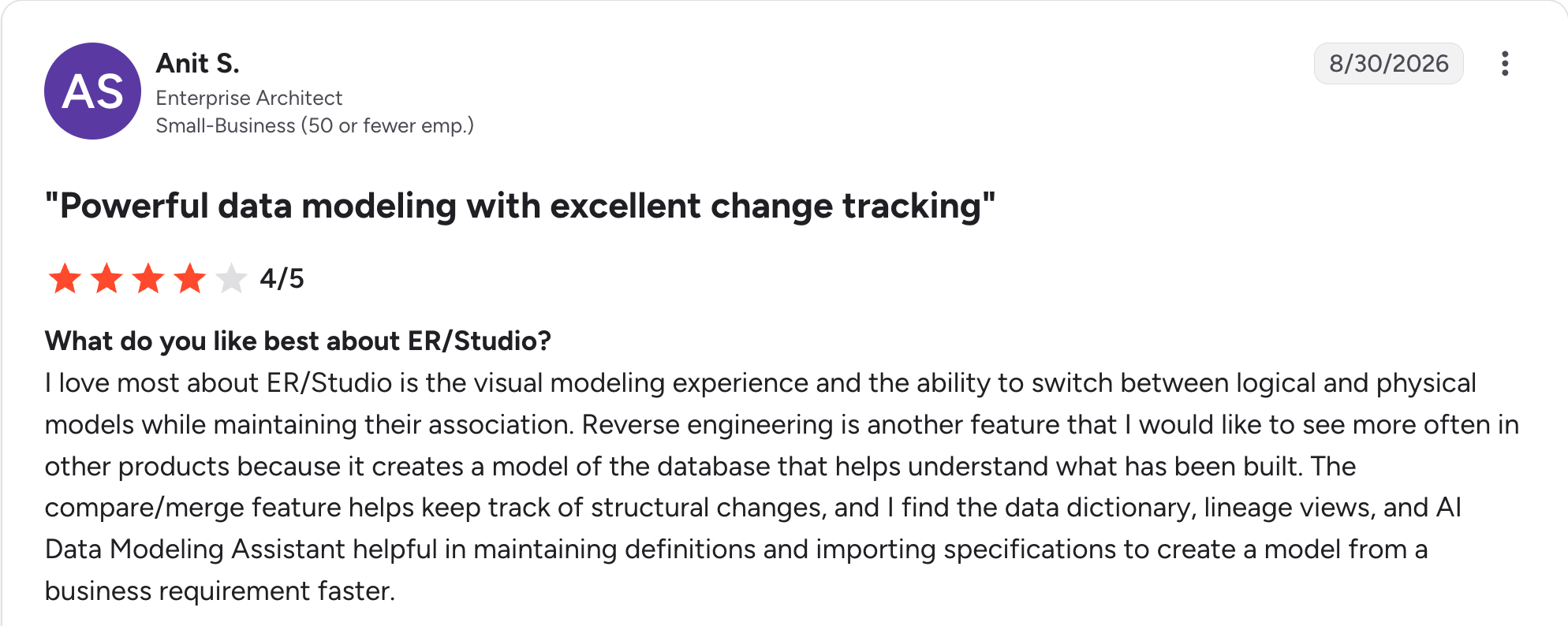
“[What] I love most about ER/Studio is the visual modeling experience and the ability to switch between logical and physical models while maintaining their association.” Anit S, G2

“If you do not work in the field of data modeling on a regular basis, it may take some time to learn how to navigate the tool.” Sonu R, G2
Pricing
Data Architect starts at $2,687 per user. Data Architect Pro costs $3,693 per user for team collaboration features. Enterprise is quote-based for cross-team governance. See ER/Studio's pricing.
Bottom line
Data modeling depth, not general business-capability mapping, is where ER/Studio earns its keep. Teams that need the full EA picture, capabilities and applications included, need a broader platform.
4. Orbus Infinity: Best for Microsoft-integrated EA governance
What it does: Orbus Infinity is an EA platform with deep Microsoft integration, letting teams model in Visio, manage data in Excel, and store everything centrally with TOGAF and ArchiMate support.
Best for: IT governance teams standardized on Microsoft tools who don't want to force architects into a separate modeling environment.
Modeling directly in Visio while everything synced to a central repository was smooth, closing the gap between "the tool architects use" and "the tool everyone already has open."
Key features
- Repository-based modeling: Versioning, traceability, and permissions across all architecture artifacts.
- Visio and Excel integration: Model in familiar Microsoft tools, store centrally in Orbus.
- Role-based portals: Personalized dashboards for different stakeholder types.
Pros
- ✅ Reduces friction for teams already living in Visio and Excel.
- ✅ Customizable meta-model fits any framework, not just TOGAF.
- ✅ A 2025 Gartner Magic Quadrant Leader for the fourth consecutive year.
Cons
- ❌ Configuration effort is real before the platform reflects your actual practice.
- ❌ No on-premises deployment for teams with strict data residency needs.
What users say
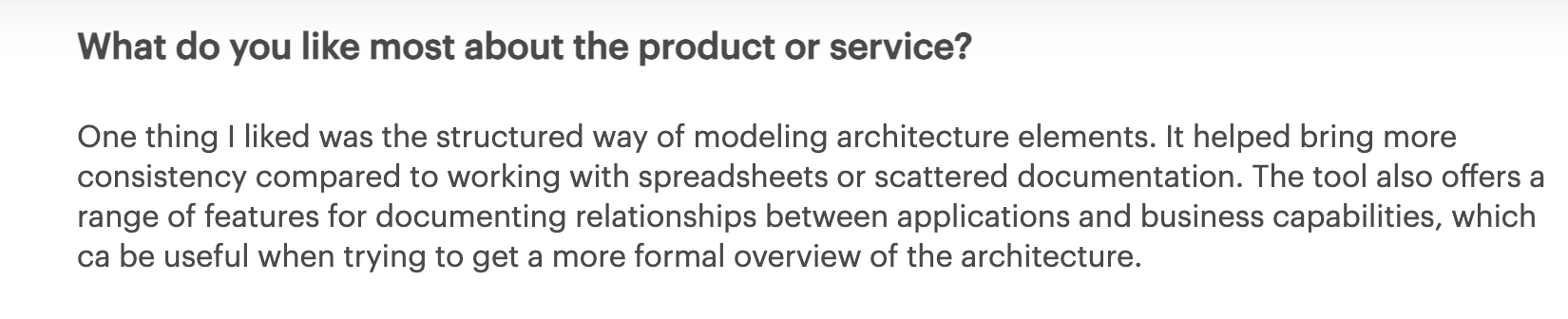
“One thing I liked was the structured way of modeling architecture elements.” Verified User, Gartner
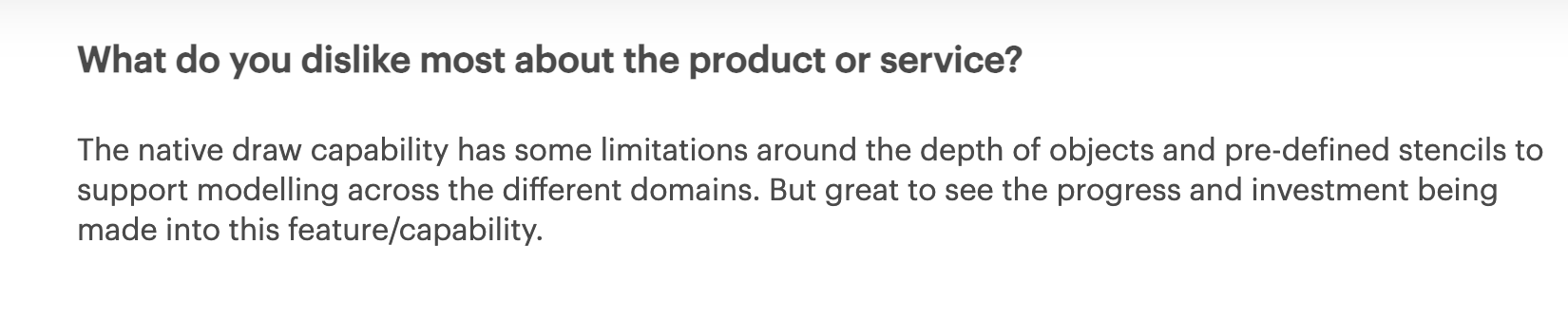
“The native draw capability has some limitations around the depth of objects and pre-defined stencils to support modeling across the different domains.” Verified User, Gartner
Pricing
Modular pricing based on practice size and modules, on request. See Orbus's pricing.
Bottom line
Microsoft-standardized governance teams get the most out of Orbus Infinity. It's a bigger commitment for teams starting from nothing.
5. Ardoq: Best for dynamic, data-driven architecture visualization
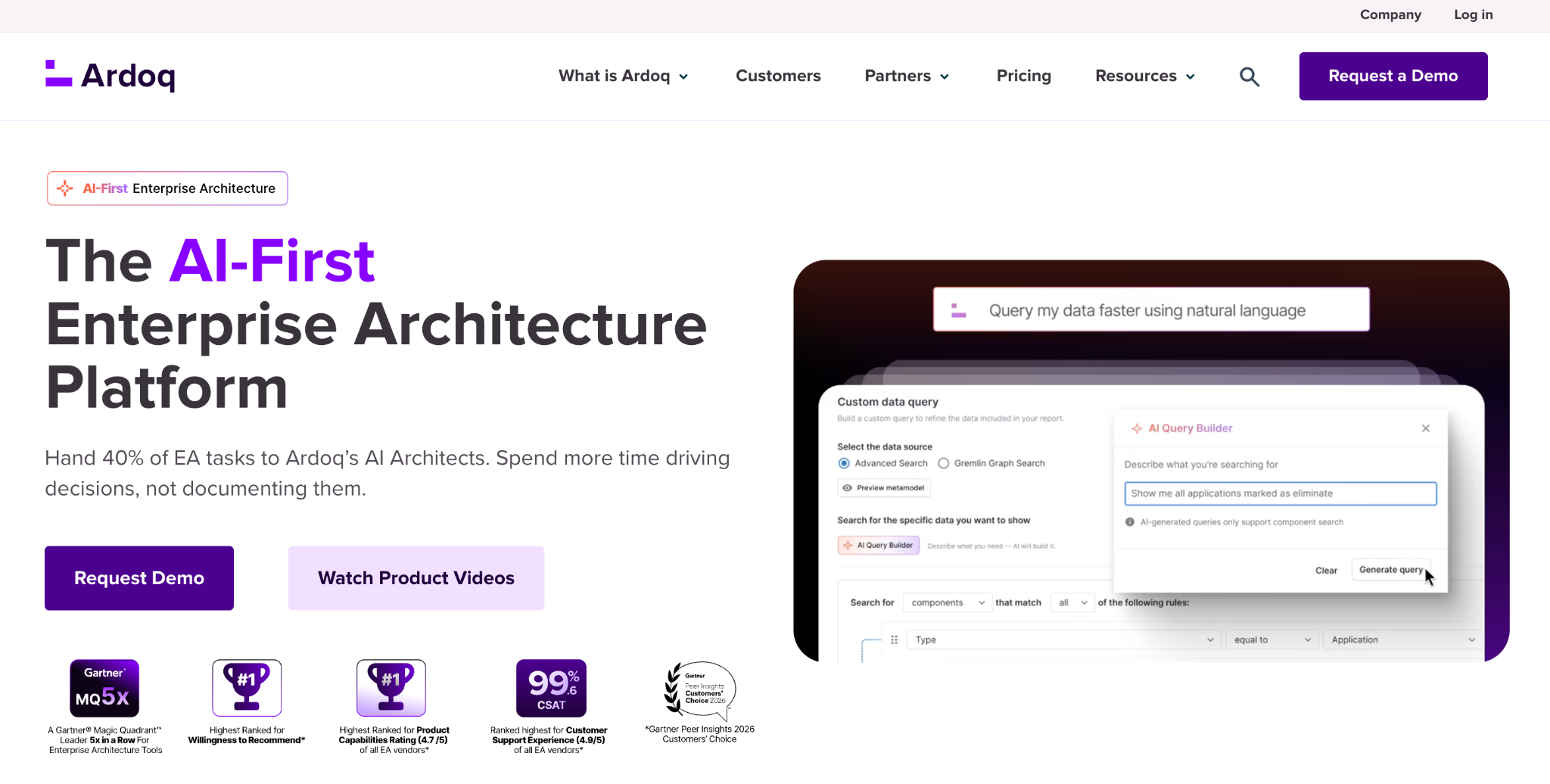
What it does: Ardoq is a graph-based EA tool that maps how systems, teams, and data connect, generating visualizations that update automatically as the underlying data changes.
Best for: Teams needing live impact analysis in cloud-native or fast-changing environments.
Running a change-impact query and instantly seeing every downstream system light up was the clearest "this is different from static diagramming" moment across all 13 tools.
Key features
- Graph database foundation: Model systems, apps, and teams as connected nodes.
- Real-time impact analysis: Instantly surface what's affected by a proposed change.
- Survey-based data collection: Keep the model current by pulling structured input from subject matter experts.
Pros
- ✅ Dynamic by design, not diagrams that need manual updates.
- ✅ Approachable without prior formal modeling experience.
- ✅ Strong native integration with Jira and cloud platforms.
Cons
- ❌ No formal ArchiMate or BPMN notation support.
- ❌ Output quality depends heavily on how clean your input data is.
What users say

“I've seen many improvements to functionality, UI, and the addition of new functionality in the ~16 months I've been using it.” Verified User, Gartner

“Some modules are yet to be updated to be comparable with the mainline form functionality.” Verified User, Gartner
Pricing
Subscription-based with modular editions, on request. See Ardoq's pricing.
Bottom line
Architecture that updates itself is Ardoq's real pitch here. It's not a fit if formal modeling notation is a compliance requirement.
6. Avolution ABACUS: Best for custom meta-models and scenario planning
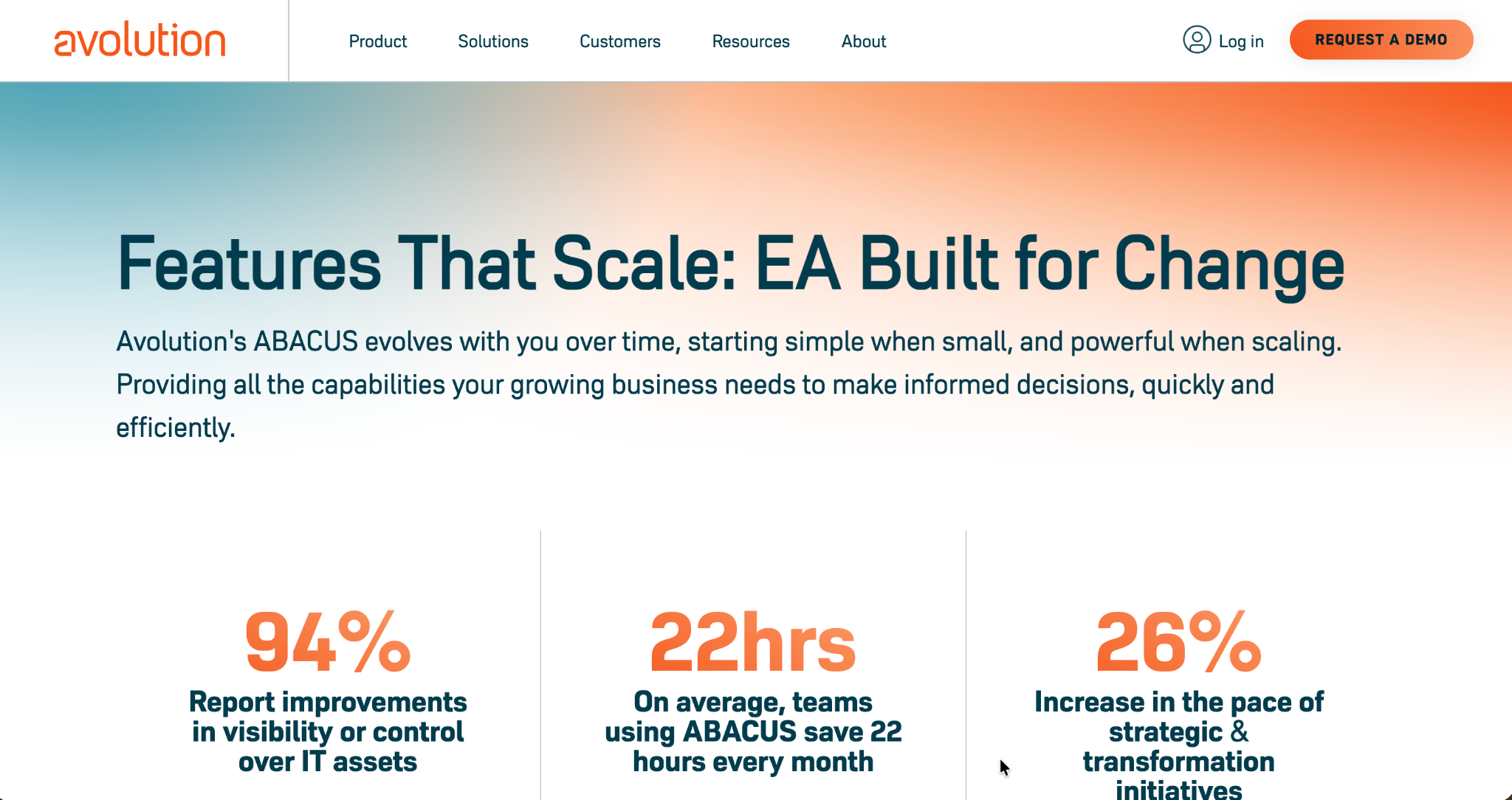
What it does: ABACUS is a fully customizable modeling and analytics tool, letting teams define their own meta-model and run cost, risk, and performance simulations across current and future states.
Best for: Architects running scenario-based planning who don't want to be locked into one framework's rigid structure.
The ability to define a custom object type and relationship from scratch stood out most in testing, since most tools force you into a fixed ArchiMate or TOGAF structure.
Key features
- Customizable meta-model: Define your own object types and relationships.
- Scenario planning: Compare current versus future states across cost, risk, and performance.
- Simulation engine: Run live impact and dependency analysis.
Pros
- ✅ No framework lock-in; build your own architecture language.
- ✅ Strong built-in analytics for cost and risk, not just diagrams.
- ✅ Scales to large, multi-domain models.
Cons
- ❌ Full modeling capability is Windows-only.
- ❌ Custom dashboards take real configuration time to get right.
What users say

“Product strengths are flexible metamodel configurability, repository and traceability, dashboards. Service is second to none, absolutely excellent.” Verified User, Gartner
“The Abacus Server product has some very strong features that are still being ported to the Web Version.” Verified User, Gartner
Pricing
Two tiered bundles based on team size, all including ABACUS Core. Contact sales for exact pricing. See ABACUS's pricing.
Bottom line
ABACUS earns consideration once your architecture practice has outgrown a fixed framework's assumptions.
7. Bizzdesign Hopex: Best for connecting architecture to risk and compliance
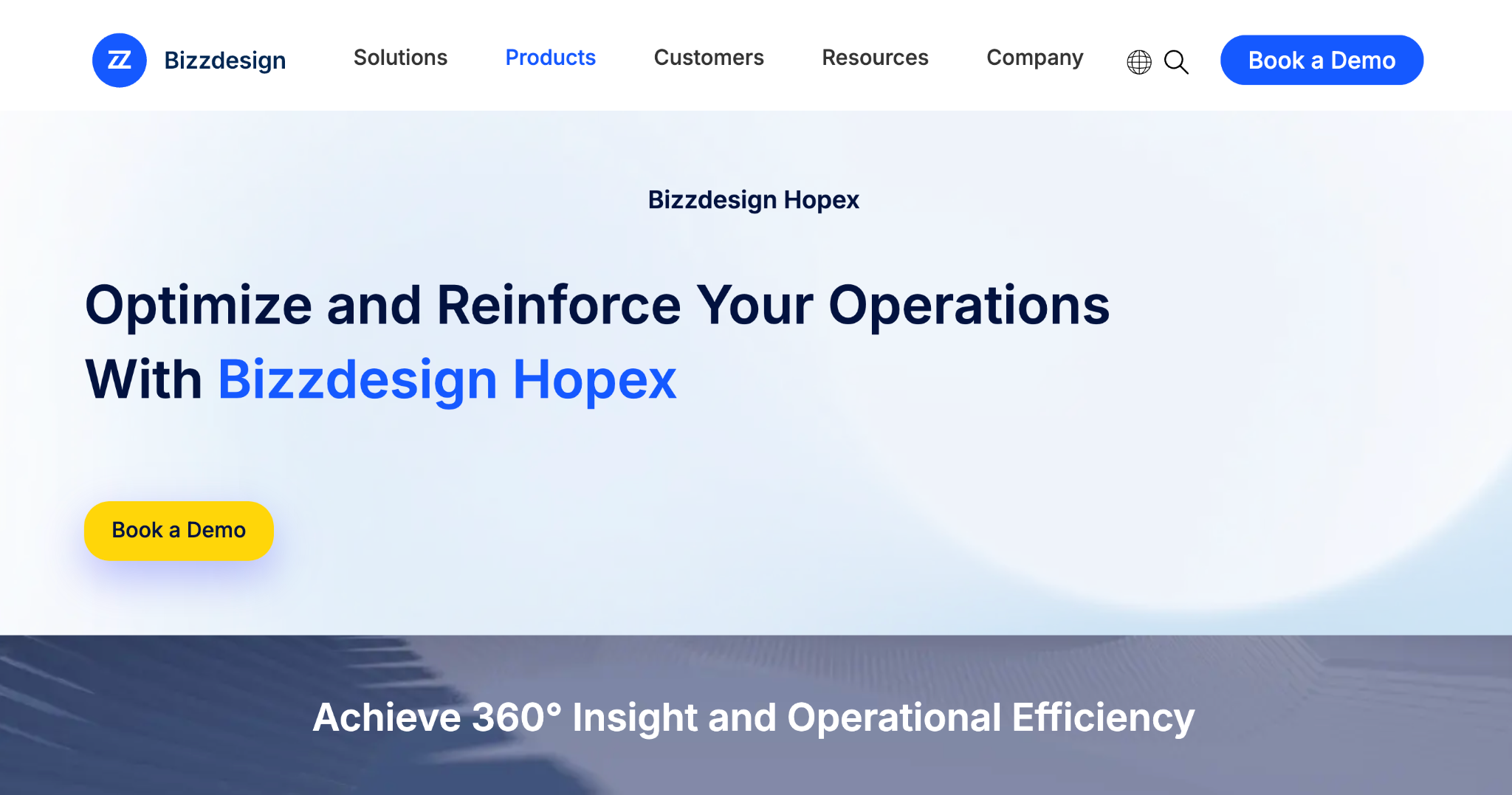
What it does: Bizzdesign Hopex, known as MEGA HOPEX before Bizzdesign's 2024 acquisition of MEGA International, brings enterprise architecture together with business process management, data governance, and risk, so large organizations can tie architecture decisions directly to regulatory and compliance obligations.
Best for: Enterprises where architecture decisions need to trace directly to audit and regulatory requirements.
Linking a system directly to a specific compliance control, then pulling an audit-ready report from that link, was the single most differentiated capability I saw across all 13 tools.
Key features
- Unified platform: EA, risk management, and process modeling in one repository.
- Risk and compliance analytics: Link systems and processes directly to controls and legal obligations.
- Deployment flexibility: On-premises or SaaS, typically hosted on Azure.
Pros
- ✅ A unique strength connecting architecture to regulatory obligations.
- ✅ Strong modeling and impact analysis on top of the compliance layer.
- ✅ Deployment flexibility regulated industries need.
Cons
- ❌ Complex interface with a steep learning curve.
- ❌ Feels heavy for teams that don't have a real compliance driver.
What users say

“Everything fits together so it doesn't matter whether your EA initiative starts at one end of the business using BPM and ends at the other end of the business using Application Architecture.” Verified User, Gartner

“Some parts of the platform are clunky.” Verified User, Gartner
Pricing
Baseline, Smart, and Premium tiers with add-ons for process management and GRC. Contact Bizzdesign for a quote. See Bizzdesign's Hopex pricing page.
Bottom line
Architecture and regulatory compliance becoming one conversation is exactly what HOPEX's complexity buys you.
8. Alfabet: Best for large enterprises with long-running EA programs
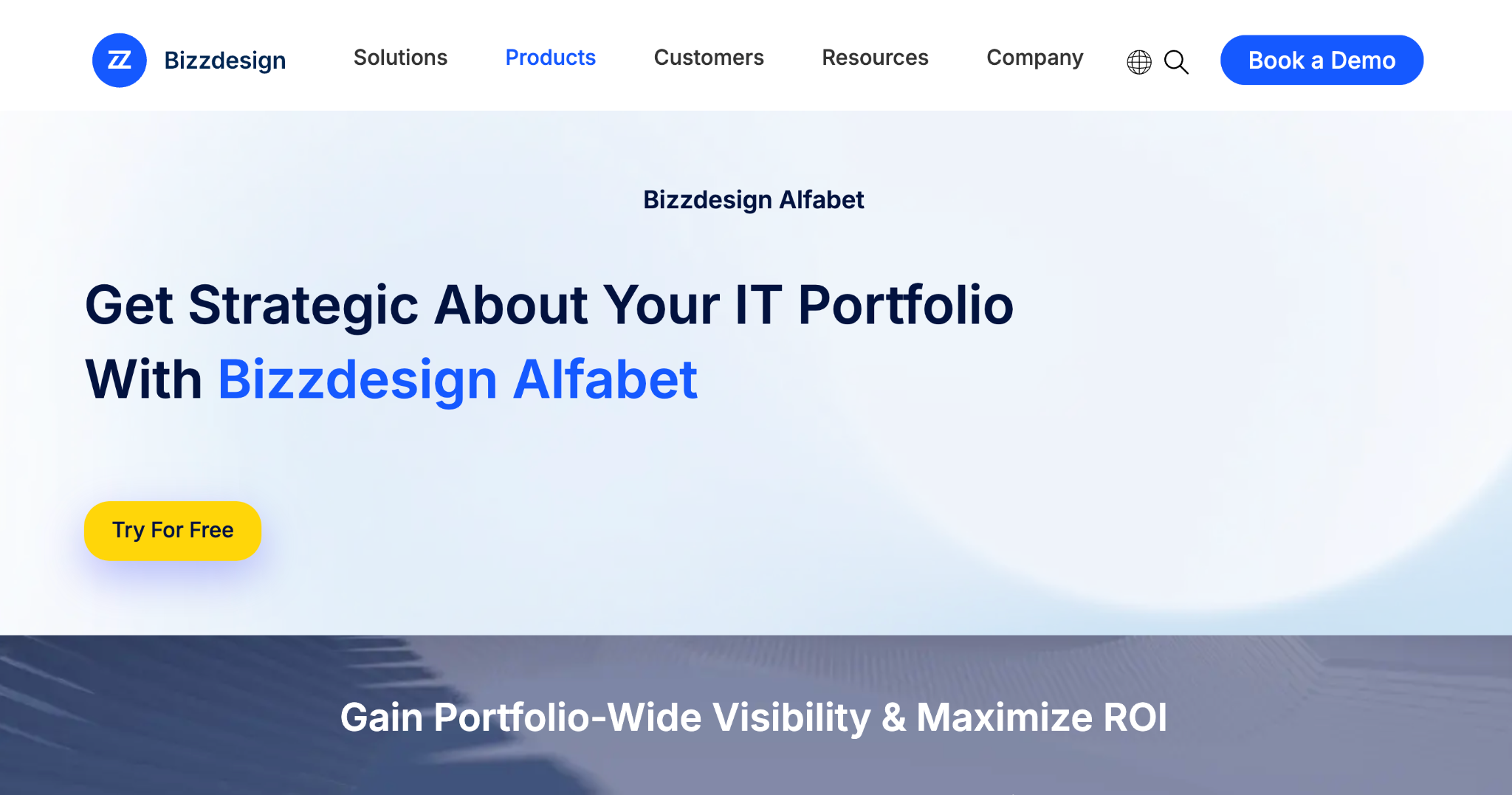
What it does: Alfabet is a repository-based EA tool with two decades of use in large enterprises, pairing deep architecture data with strong business intelligence integrations.
It now operates under the Bizzdesign brand following recent industry consolidation, though it remains a distinct product with its own roadmap.
Best for: Large organizations with an established, long-running EA program that needs deep BI integration.
The BI integration stood out as the strongest of any tool tested, pulling architecture data straight into existing reporting tools rather than requiring a separate dashboard layer.
Key features
- Deep repository model: Two decades of refinement for large-scale portfolio tracking.
- BI integrations: Connects architecture data directly to existing business intelligence tools.
- IT investment planning: Ties technology decisions to portfolio-level financial data.
Pros
- ✅ Proven at real enterprise scale over a long track record.
- ✅ Strong BI integration beats most competitors' built-in dashboards.
- ✅ Deep repository handles large, complex portfolios well.
Cons
- ❌ Less depth on business-architecture and capability modeling than Bizzdesign's own flagship product.
- ❌ Recent brand consolidation makes the long-term roadmap worth confirming directly with sales.
What users say

“The flexibility to configure and the new UX and UI with the latest version.” Verified User, Gartner

“Lack of Scanning/Discovery Tools.” Verified User, Gartner
Pricing
Subscription-based, priced on request. See Bizzdesign's Alfabet page for details.
Bottom line
Alfabet fits large enterprises with an existing, deep EA program more than teams starting fresh.
9. QualiWare X: Best for combining EA with business process management
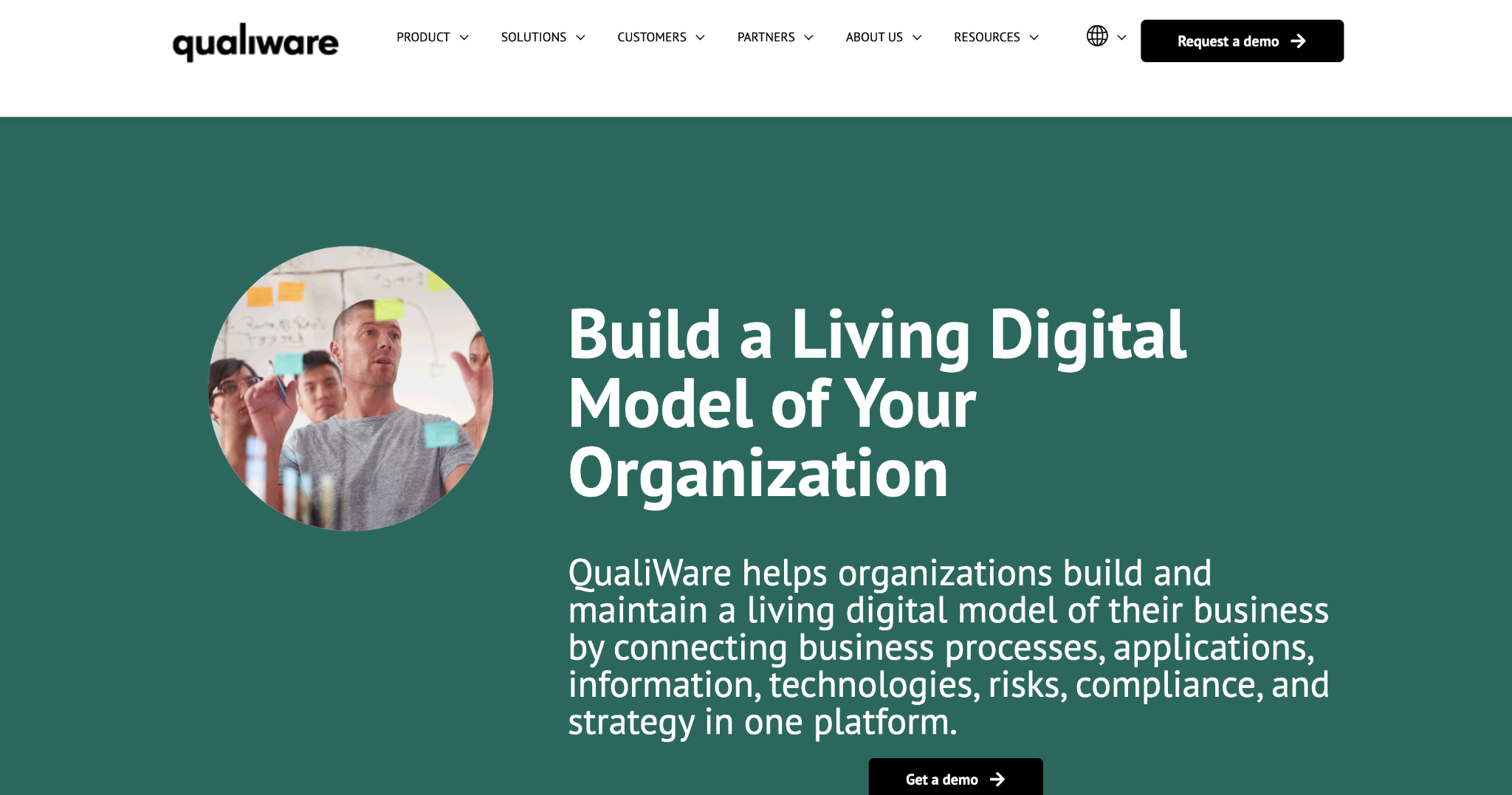
What it does: QualiWare X supports enterprise architecture, business process management, and governance in one platform, letting teams model and optimize processes alongside the architecture that supports them.
Best for: Teams that want EA and BPM unified in one platform, not two separate tools.
The overlap between process modeling and architecture modeling felt native here in a way that using two separate specialized tools never quite achieves.
Key features
- Unified EA and BPM modeling: Processes, workflows, and architecture in one connected model.
- Governance support: Documentation and workflow tools for architecture governance.
- Information structure modeling: Model data and information flows alongside systems.
Pros
- ✅ Unifies EA and BPM in one connected model, not two separate tools.
- ✅ Intuitive interface relative to other repository-heavy tools.
- ✅ Strong for organizations already running formal process improvement initiatives.
Cons
- ❌ Smaller community and less third-party content than the bigger incumbents.
- ❌ Less name recognition can mean a longer internal buy-in process.
What users say

“I can click on any object and immediately see every other diagram or system it connects to across the whole company.” Verified User, Gartner
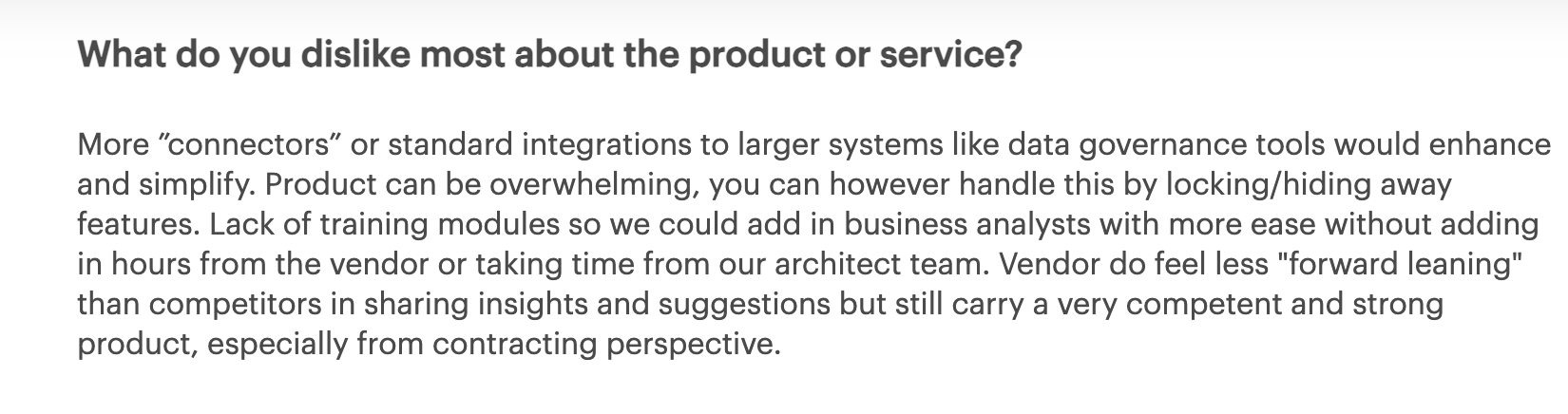
“Product can be overwhelming; you can, however, handle this by locking/hiding away features.” Verified User, Gartner
Pricing
Pricing on request. See QualiWare's site for a quote.
Bottom line
Unifying EA and BPM matters more here than picking the most recognized brand, and that's QualiWare X's whole case.
10. The Essential Project: Best free, self-hosted EA tool with real depth
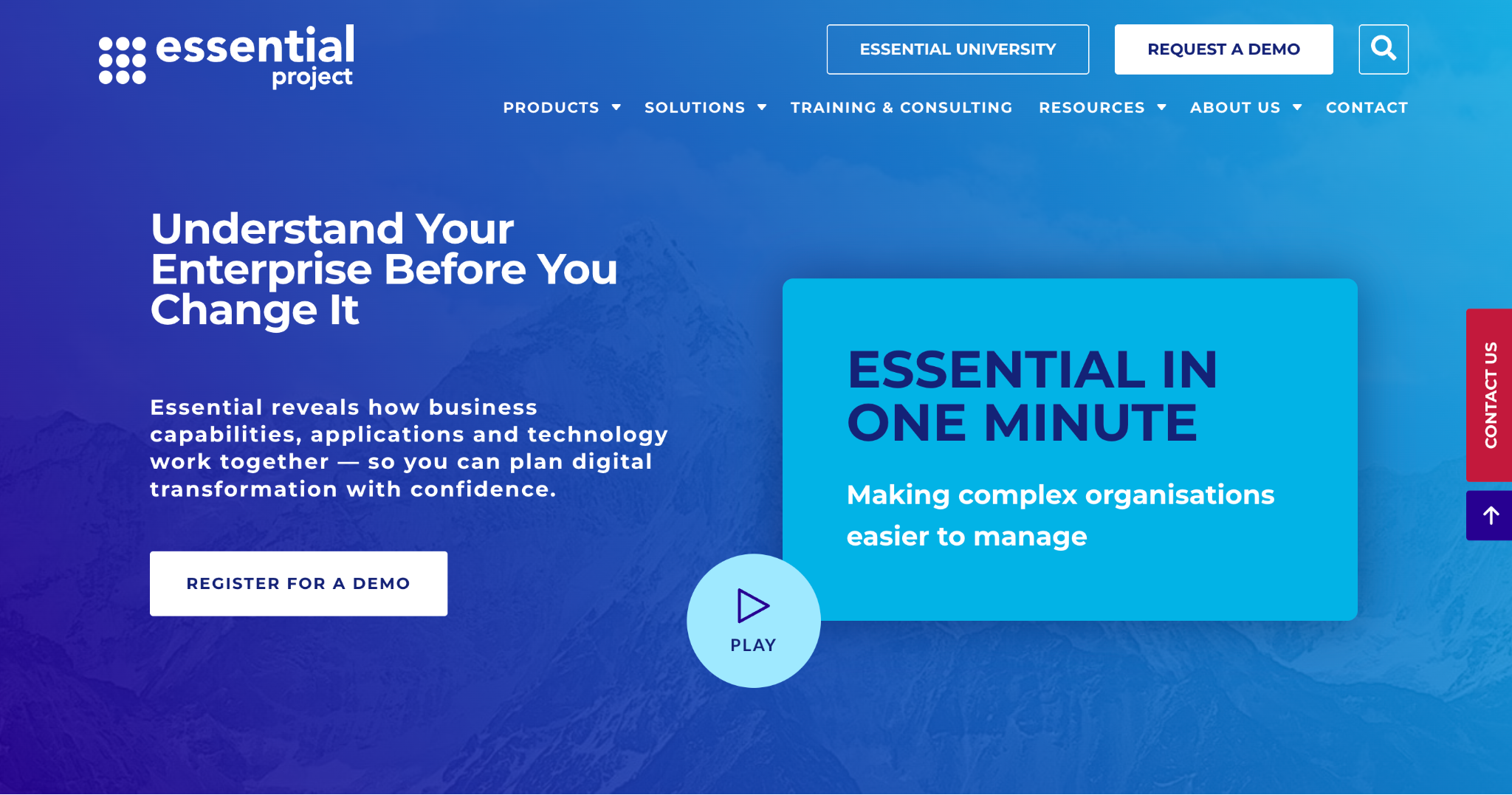
What it does: The Essential Project is an open-source enterprise architecture tool covering core EA capabilities, including capability maps, heatmaps, and gap analysis, built and maintained by practicing architects.
Best for: Budget-conscious organizations and nonprofits that need real EA depth without a subscription.
Self-hosting took real technical setup time, but once running, the prebuilt views covered more of the core EA workflow than I expected from a free tool.
Key features
- Core EA modeling: Capabilities, applications, processes, data, and technology layers.
- Prebuilt views: Capability maps, heatmaps, and layered architecture views out of the box.
- Extensibility: Customize the meta-model and views with technical effort.
Pros
- ✅ Free and open-source, not a limited trial dressed up as free.
- ✅ Covers real EA workflows, not a stripped-down demo.
- ✅ Low-cost commercial cloud version available if you want managed hosting.
Cons
- ❌ Dated UI compared to commercial platforms.
- ❌ Requires real technical skill to extend or keep current.
What users say

“Quick response and sense of urgency shown in responding and resolving queries raised.” Verified User, Gartner

“Setup and configuration was fairly complex.” Verified User, Gartner
Pricing
Free, open-source edition. Essential Cloud, the hosted version, starts at $24,999 per year for unlimited users. See The Essential Project's pricing.
Bottom line
Teams with the technical skill to self-host get the strongest free option here in the Essential Project.
11. Archi: Best free tool for pure ArchiMate modeling
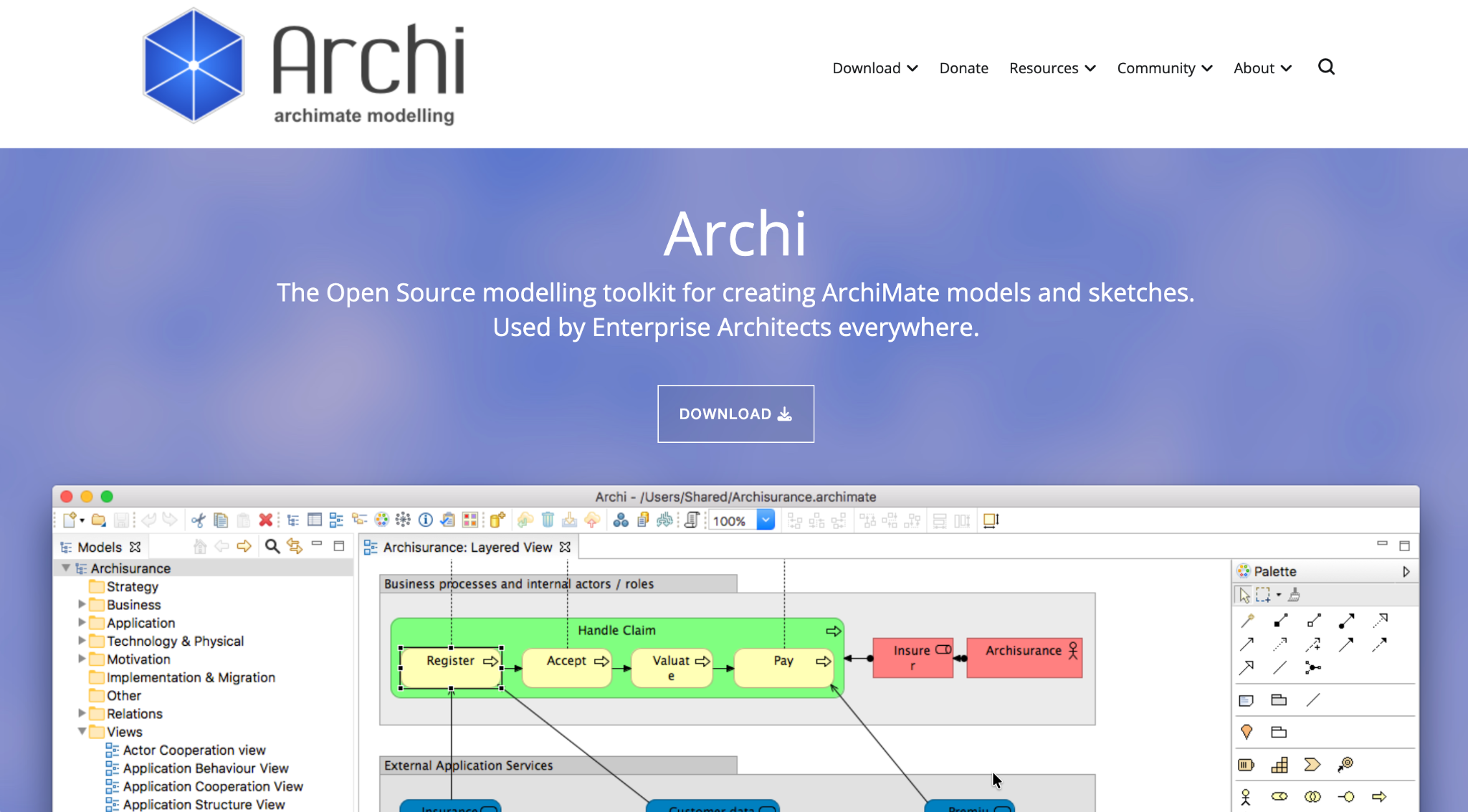
What it does: Archi is a free, open-source modeling tool built specifically for ArchiMate, with no broader portfolio management or governance features layered on top.
Best for: Individual architects or small teams that need clean ArchiMate modeling without paying for a full EA suite.
Archi does one thing and does it well. It's just an ArchiMate editor, with none of the portfolio or governance features the paid tools on this list bundle in.
Key features
- Pure ArchiMate support: Clean, standards-compliant modeling with no framework compromises.
- Lightweight desktop application: Fast and simple compared to full EA suites.
- Plugin library: Community-built extensions add reporting and collaboration features.
Pros
- ✅ Completely free with no feature gates or usage limits.
- ✅ Clean, focused ArchiMate modeling without suite bloat.
- ✅ Active community maintaining plugins and documentation.
Cons
- ❌ No portfolio management, governance, or repository features at all.
- ❌ Collaboration is limited compared to cloud-native, multi-user platforms.
What users say
“Archi is a great tool for modeling architectural diagrams following the ArchiMate specification.” Dean K, G2

“Copy-paste or duplicating the flows aren't as smooth as you would want it.” Vipin K, G2
Pricing
Free and open-source, with no paid tier. See Archi's site.
Bottom line
Archi is the right choice specifically for ArchiMate modeling on its own. Portfolio features live elsewhere on this list.
12. Jibility: Best for a single architect building capability roadmaps fast
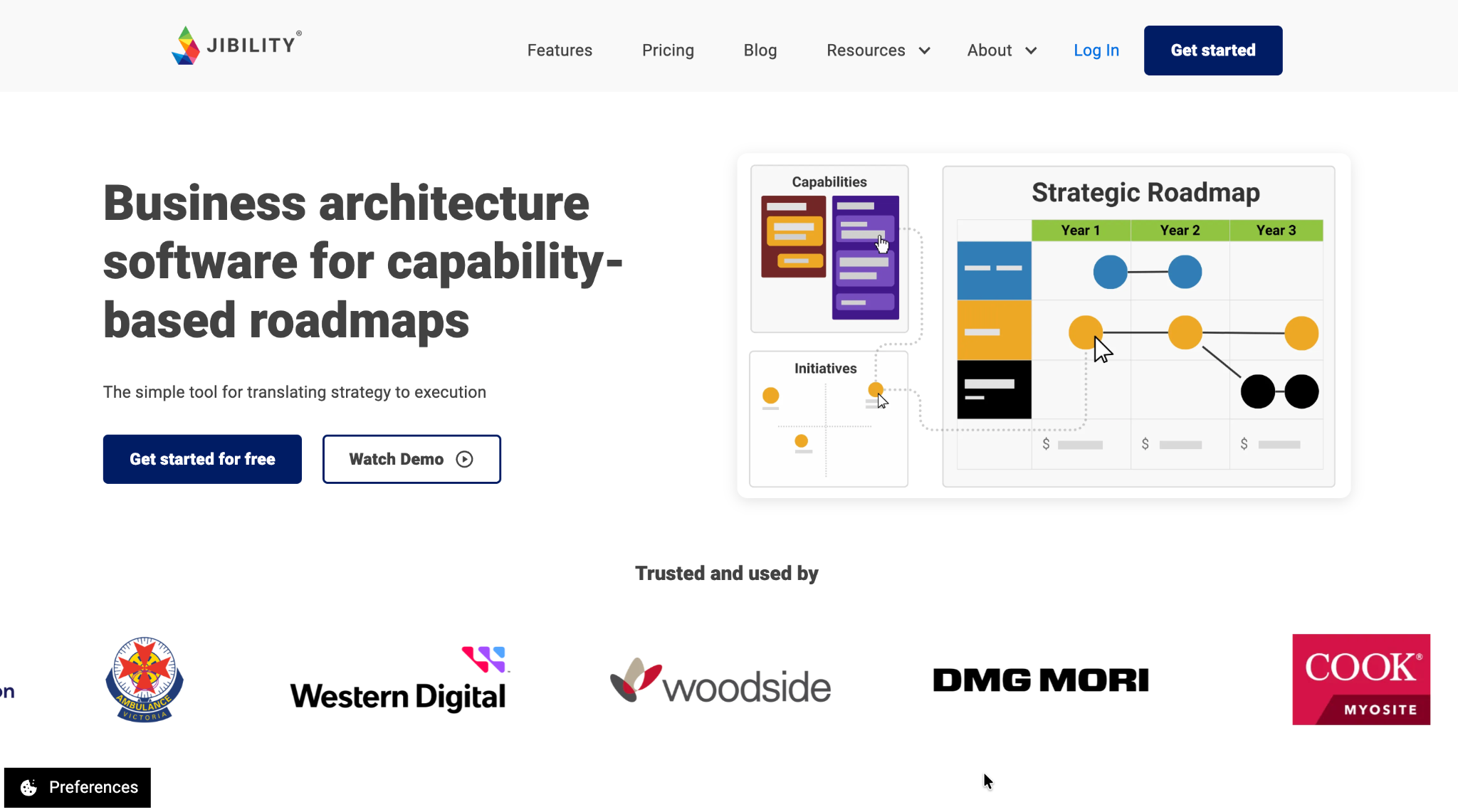
What it does: Jibility is a lightweight capability-based roadmapping tool with public pricing and a free plan, built for architects who need to move fast without a lengthy sales process.
Best for: Solo architects or small teams who need a working roadmap in days, before a multi-week enterprise sales cycle even starts.
Every other tool on this list required a demo or a sales conversation to see real pricing. Jibility let me sign up and build a working capability roadmap the same afternoon.
Key features
- Capability-based roadmapping: Build roadmaps tied directly to business capabilities.
- Public, transparent pricing: No sales call required to know what it costs.
- Free plan: Real functionality available before paying anything.
Pros
- ✅ Usable without a sales conversation, rare in this category.
- ✅ Fast to get a working roadmap in front of stakeholders.
- ✅ Free plan is functional, not just a lead-gen form.
Cons
- ❌ Far less modeling depth than full EA suites like Sparx or HOPEX.
- ❌ Not built for large, multi-thousand-employee EA programs.
What users say
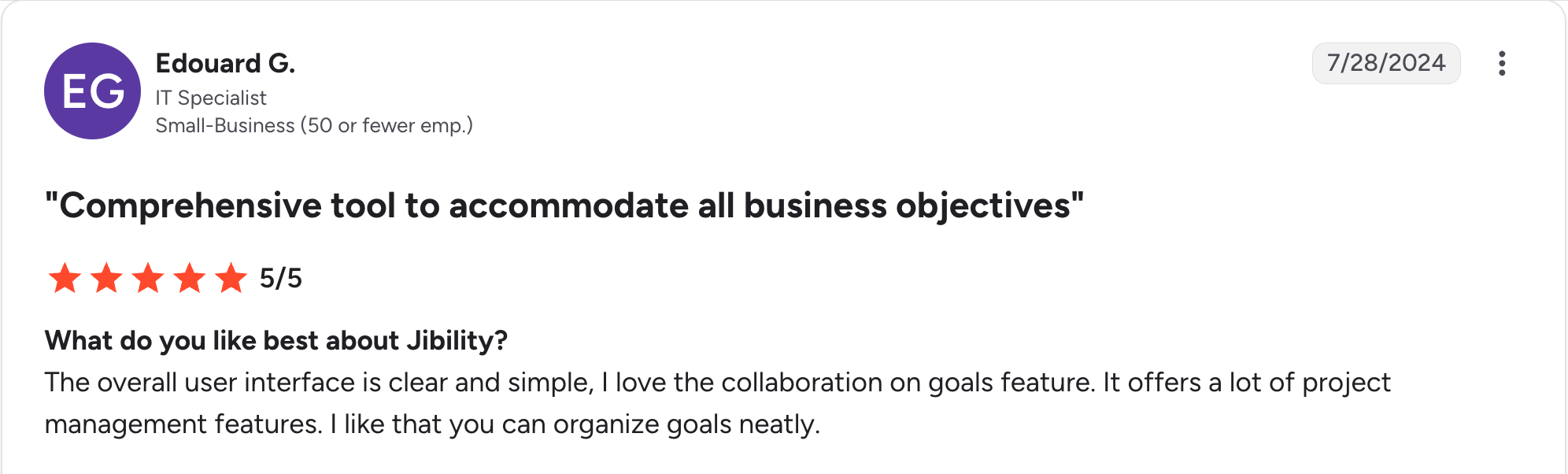
“The overall user interface is clear and simple; I love the collaboration on goals feature.” Edouard G, G2

“The collaboration features are somewhat limited, not enabling teamwork with my colleagues and stakeholders.” Esther M, G2
Pricing
Basic is free at $0/user/month. Professional costs $59/user/month, billed monthly. See Jibility's pricing.
Bottom line
Jibility is the fastest path to a usable roadmap for a small team. Large EA programs will outgrow it quickly.
13. Lucid Cloud Accelerator: Best for auto-generated cloud infrastructure diagrams
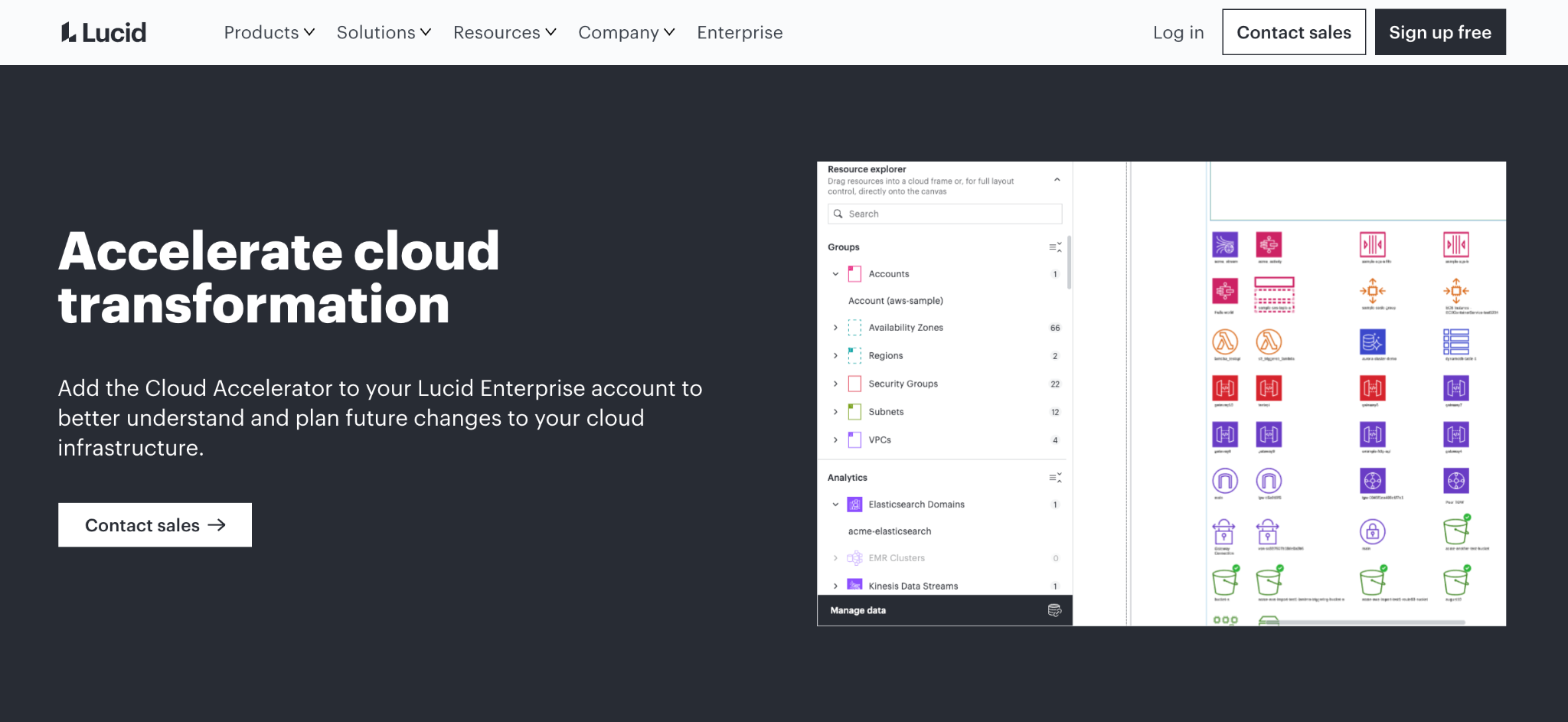
What it does: Lucid Cloud Accelerator is an add-on for Lucid Enterprise accounts that connects to your cloud environment and auto-generates accurate architecture diagrams of your resources, networks, and security groups, without manual diagramming.
Best for: Fast-growing teams already on Lucid Enterprise who need cloud documentation that stays accurate without manual upkeep.
Watching a live diagram generate directly from our cloud account, accurate down to security group boundaries, saved what would have been hours of manual documentation work.
Key features
- Auto-import from cloud providers: Pulls real infrastructure data via secure read-only access.
- Preset views: Security groups, network paths, and environment-specific diagrams out of the box.
- Data overlays: Tag resources by cost, owner, or compliance state.
Pros
- ✅ Saves real hours versus manual cloud diagramming.
- ✅ No modeling expertise required to get a usable diagram.
- ✅ Comes as part of the broader Lucid Enterprise suite, not a separate tool to manage.
Cons
- ❌ Cloud-only, with no support for on-premises systems.
- ❌ Sold only as an add-on to Lucid Enterprise, not available standalone or on lower tiers.
What users say
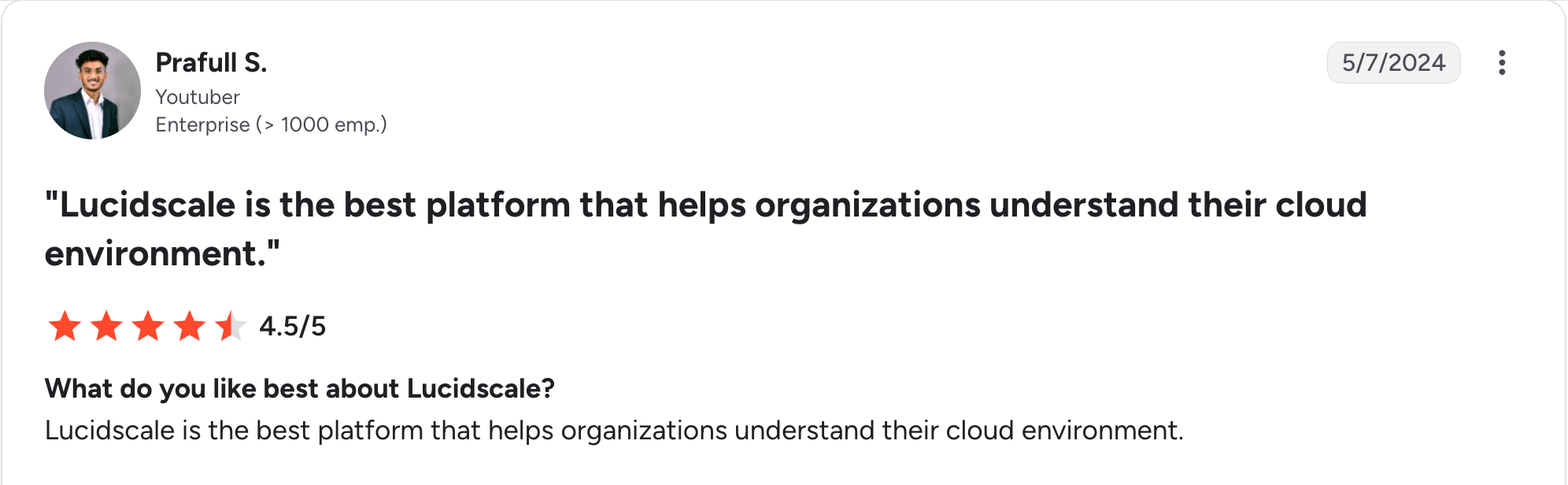
“Lucidscale is the best platform that helps organizations understand their cloud environment.” Prafull S, G2

“It can also be difficult to justify the price for small to mid-sized businesses, especially for teams that rely primarily on AWS.” Omar A, G2
Pricing
Cloud Accelerator is an add-on exclusively for Lucid Enterprise accounts. Pricing is quote-based; contact Lucid sales for a quote. See Lucid Cloud Accelerator's page.
Bottom line
Keeping cloud infrastructure documentation accurate with minimal manual effort is exactly what Cloud Accelerator delivers, for teams already inside Lucid Enterprise.
Which EA tool should you choose?
Match the tool to your primary goal first, since these 13 split cleanly into a handful of real use cases. Our guide to enterprise architecture strategy covers how to define that goal before you shop.
Choose Sparx EA or Archi if you:
- Need deep, standards-compliant modeling in ArchiMate, UML, or BPMN.
- Have architects who will use formal notation daily.
Choose LeanIX or Ardoq if you:
- Need fast application portfolio visibility without heavy formal modeling.
- Want dashboards non-architects can read.
Choose ER/Studio if you:
- Need enterprise-grade data modeling with governance, not general business-capability mapping.
- Already run Microsoft Purview or Collibra and want architecture data to sync with them.
Choose ABACUS if you:
- Run scenario-based planning and don't want to be locked into one framework's rigid structure.
- Need custom cost, risk, or performance simulations a fixed meta-model can't give you.
Choose Orbus Infinity, HOPEX, or Alfabet if you:
- Run a large, established EA program with real governance or compliance requirements.
- Need deployment flexibility or deep BI and regulatory integration.
Choose QualiWare X if you:
- Want EA and business process management unified in one platform.
- Already run formal process improvement initiatives alongside architecture.
Choose Essential or Jibility if you:
- Have a limited budget or a small team, not a multi-thousand-employee EA practice.
- Want to start using the tool the same day, without a sales cycle.
Choose Lucid Cloud Accelerator if you:
- Are already on Lucid Enterprise and need cloud infrastructure documentation that updates itself.
- Don't need a full EA repository, just accurate, current diagrams.
Skip EA tools entirely if:
- You're a team of one or two building a single application, where the overhead of formal EA tooling outweighs the benefit.
Final verdict
For real modeling depth across every major framework, Sparx EA is still hard to beat, and it's the right starting point if your architects will use formal notation daily.
If your priority is fast application portfolio visibility for a CIO office, LeanIX or Ardoq get you there without the modeling overhead. For architecture tied directly to compliance and risk, HOPEX stands apart.
And if budget or team size rules out the big suites, Essential and Jibility both prove you don't need a six-figure contract to get real EA value. None of these is universally right, since the tools split by what kind of EA program you're running.
For how the application layer specifically fits into that bigger picture, our guide to enterprise application architecture goes deeper.
Where Superblocks fits, and where it doesn't
EA tools define the target architecture, the capability maps, application inventories, and governance frameworks in this list. None of them build the actual internal applications that run on top of that architecture, and that's a different job entirely.
Superblocks is the governed enterprise vibe coding platform for that second half, building internal apps and tools that follow the standards your EA practice already defined, with RBAC included on every plan and audit logs, SSO, and access controls on Enterprise. For where it sits among other options, our low-code platforms roundup covers a wider field.
It's a different category of tool entirely. Superblocks won't produce an ArchiMate diagram, so it isn't on the ranked list above.
At Cvent, Superblocks helped turn junior developers into full-stack builders, with 100+ AI-built apps now running on business system APIs and MCPs under governance.
For example, Matthews Real Estate uses Superblocks so business teams can ship internal apps while IT keeps full visibility. Their VP of Product Innovation, Ryan Casey, put it plainly: “We don't have any shadow IT work happening”.
See how a traceable identity and audit trail get built into an internal tool from the start with the Superblocks Quickstart Guide.
Or book a demo to see how Superblocks fits into your organization's EA practice.
Frequently asked questions
What are the top enterprise architecture tools in 2026?
Sparx EA, LeanIX, and ER/Studio are among the top enterprise architecture tools in 2026, covering deep modeling, portfolio management, and enterprise data architecture. The right one depends on whether your priority is business-capability modeling or data governance depth.
What is an enterprise architecture tool?
An enterprise architecture tool helps organizations map how strategy, applications, data, and infrastructure connect, using frameworks like TOGAF, ArchiMate, UML, or BPMN. Most include modeling, portfolio management, and reporting features to keep decisions documented.
Are there free enterprise architecture tools?
Yes, The Essential Project and Archi are both free, open-source enterprise architecture tools. The Essential Project covers broader EA workflows, including capability maps and heatmaps, while Archi focuses specifically on ArchiMate modeling without portfolio management features.
How do EA tools support digital transformation?
EA tools support digital transformation by giving leadership a clear map of how business goals, applications, and infrastructure connect. That helps prioritize investments, eliminate redundant systems, and reduce risk during major changes, and tools like LeanIX surface this through dashboards non-architects can read directly.
Can you integrate EA tools with internal development platforms?
Yes, EA tools can integrate with the internal development platforms your teams already use. LeanIX, Ardoq, and Alfabet connect with ServiceNow, Jira, and CI/CD pipelines, and platforms like Superblocks can plug into that same execution layer for teams building internal apps.


Stay tuned for updates
Get the latest Superblocks news and internal tooling market insights.
Request early access
Step 1 of 2
Request early access
Step 2 of 2

You’ve been added to the waitlist!
Book a demo to skip the waitlist
Thank you for your interest!
A member of our team will be in touch soon to schedule a demo.
production apps built
days to build them
semi-technical builders
traditional developers
high-impact solutions shipped
training to get builders productive
SQL experience required
See the full Virgin Voyages customer story, including the apps they built and how their teams use them.

"Those tools are great for proof of concept. But they don't connect well to existing enterprise data sources, and they don't have the governance guardrails that IT requires for production use."
Table of Contents

Multiple authors
10 Best Replit Alternatives & Competitors (2026)
I tested the leading Replit alternatives and shortlisted the 10 best, including Lovable, Bolt, Cursor, and Superblocks. See real pricing and my picks.