
Replit made browser-based AI coding mainstream, but its effort-based agent pricing, prototype-first focus, and thin governance send plenty of teams looking elsewhere.
If you're hitting those walls, Lovable leads for polished app MVPs, Bolt for fast prototypes, and Superblocks for governed enterprise apps.
I tested the leading Replit alternatives and shortlisted the 9 best across pricing at scale, code ownership, production readiness, and governance. Here's the ranked list, honest pricing, and who each is built for.
9 best Replit alternatives: TL;DR
- Lovable: Best for polished, shippable app MVPs.
- Bolt: Best for fast full-stack prototypes.
- Superblocks: Best for governed enterprise internal apps.
- v0 by Vercel: Best for frontend and UI generation.
- Base44: Best for fully no-code building.
- Cursor: Best for developers who want an AI IDE.
- GitHub Codespaces: Best cloud IDE replacement.
- Bubble: Best for no-code customer-facing apps.
- Glide: Best for spreadsheet-to-app builds.
Why look for Replit alternatives?
Replit is a capable browser-based platform, and for learning, prototyping, and small apps with an AI agent on top, it works well. It writes code, spins up a database, and deploys, all in the browser. Still, four recurring pain points push teams to look elsewhere.
- Effort-based pricing that compounds: Replit's agent bills per checkpoint, from about $0.06 for a tiny edit to several dollars for a complex feature. Active teams report real monthly spend running three to five times the sticker price.
- A pay-to-fix loop: Every AI iteration, bug fix, and failed attempt consumes credits, so non-coders bear the sharpest cost when the AI needs several tries to get something right.
- Thin governance: Replit lacks granular RBAC per app or data source, environment separation, and audit trails for AI-generated changes, which enterprises need before shipping internal tools.
- Built for prototypes over production: Replit apps aren't easy to take to production on a custom stack, so teams building real internal tools often outgrow it.
Which Replit alternative should you choose?
Here's the quick version before the deep dives:
- Choose Lovable if you want polished, investor-ready app output from a prompt, though its credits drain on heavy backend debugging.
- Choose Bolt if you want a fast in-browser prototype loop, less ideal once a project needs a non-JavaScript backend.
- Choose Superblocks if you need governed enterprise internal apps with code export, though it's focused on internal tools with consumer products out of scope.
- Choose v0 by Vercel if you want frontend and UI generation from a prompt, though its strength is UI over complex backend logic.
- Choose Base44 if you want fully no-code with no code exposure, less suited to developers who want to edit files directly.
- Choose Cursor if you're a developer who wants an AI-native IDE on the desktop, though you'll need separate hosting and deployment.
- Choose GitHub Codespaces if you want a serious cloud IDE tied to your GitHub repos, though there's no built-in AI app generator.
- Choose Bubble if you're building customer-facing web or mobile apps, though its workload-unit pricing can get unpredictable.
- Choose Glide if your data already lives in spreadsheets and you want mobile-responsive apps fast, though complex logic will push you elsewhere.
- Stick with Replit if you're learning to code or running quick solo experiments where its all-in-one browser convenience outweighs the credit costs.
9 best Replit alternatives: at a glance
Pricing correct as of July 2026. Verify with vendor.
1. Lovable
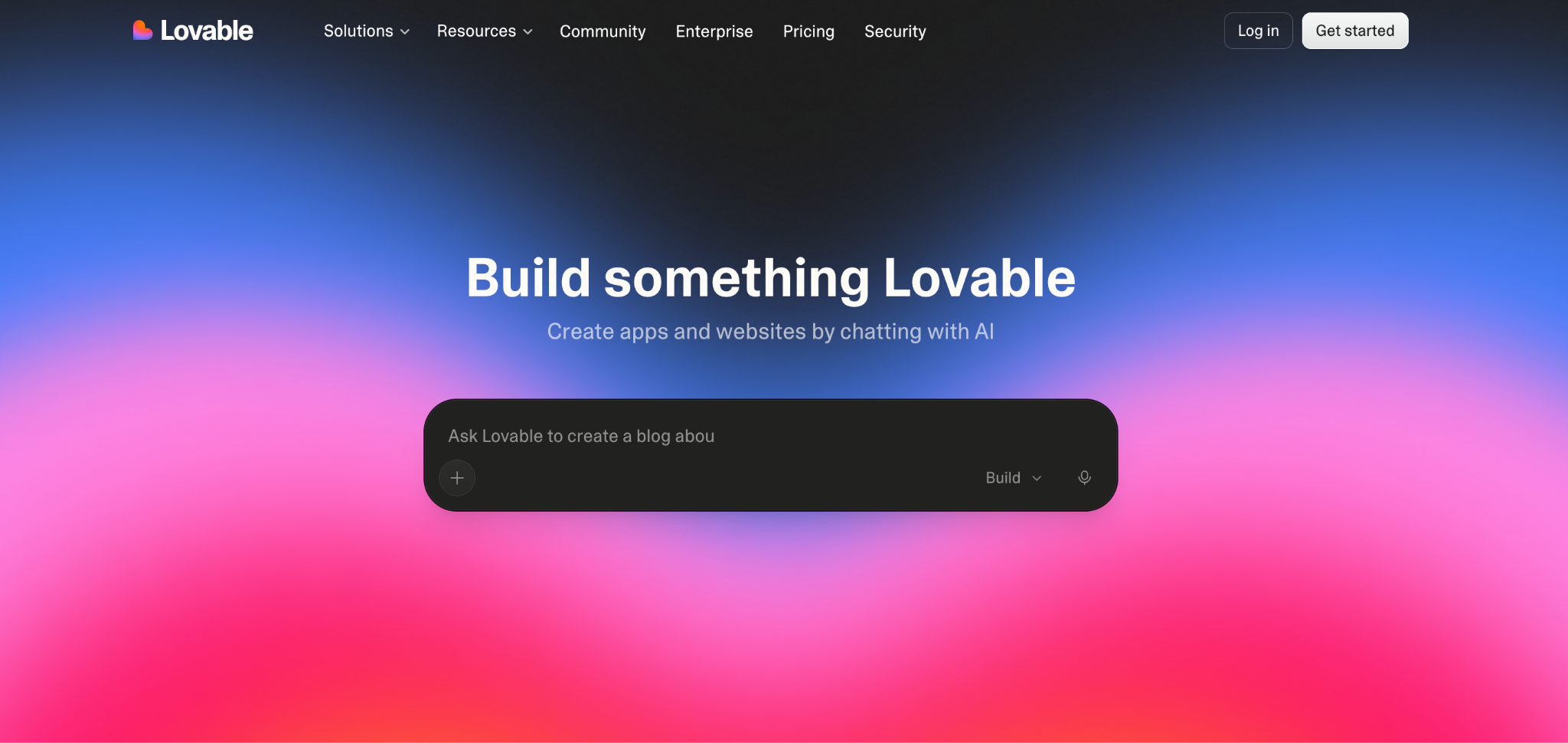
Lovable is the best Replit alternative for founders who want polished, shippable app output from a prompt.
It builds full end-to-end web apps, including auth and a database, and is known for investor-ready design on the first try. Its credit model is more legible than Replit's, which is part of why design-focused builders pick it.
Key features
- End-to-end generation: Produces frontend, backend, and database, then deploys on the platform.
- Supabase integration: Adds real-time data, user accounts, and server-side logic.
- Code ownership: Generates React and TypeScript you can pull into GitHub and edit.
Pros
- ✅ The most polished output of the AI app builders.
- ✅ Legible credit model versus Replit's effort-based billing.
- ✅ Real backend integration through Supabase.
Cons
- ❌ Credits drain fast on heavy backend debugging.
- ❌ Complex custom logic still needs a developer.
Best for
- Founders building a shippable, good-looking MVP.
- Non-engineers who want production-ready output.
Pricing
Free plan with 5 daily credits. Pro starts at $25/month for 100 monthly credits. Business and Enterprise add SSO and access control. See Lovable's pricing.
2. Bolt
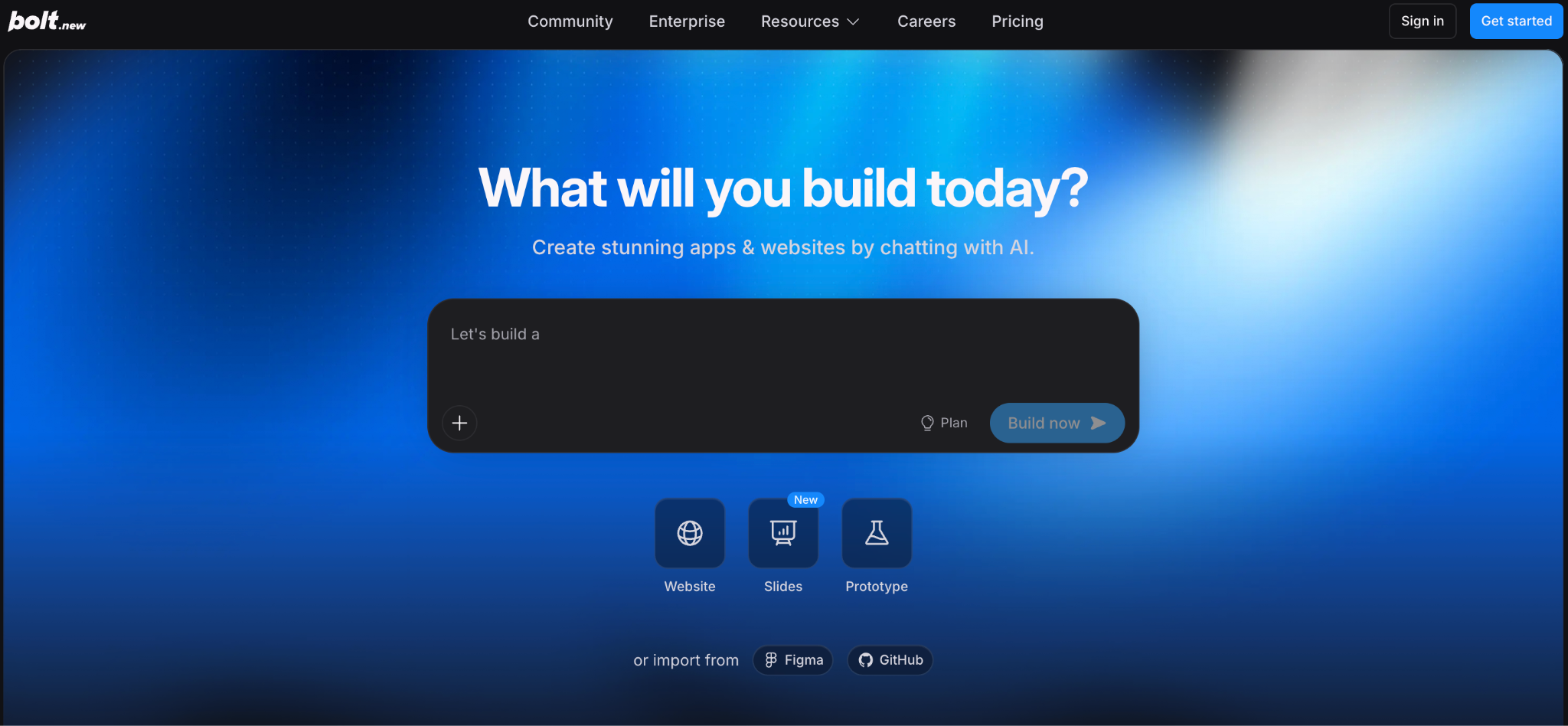
Bolt is the best Replit alternative for a fast, in-browser prototype loop.
It generates full-stack apps from a prompt and runs them live in the browser through WebContainers, so there's zero setup. You prompt the AI as you go to add features while the app is running.
Key features
- In-browser builds: Scaffolds frontend, backend, and database with no local setup.
- GitHub import and export: Pull repos in, make AI changes, and push updated code back.
- Prompt locking and diffs: Preview and approve AI changes before they apply.
Pros
- ✅ Fast prototype-to-preview loop.
- ✅ Code download and GitHub sync.
- ✅ Open-source bolt.diy option for custom LLMs.
Cons
- ❌ JavaScript frameworks only, no Python or Go backends.
- ❌ Token metering drains fast on bigger builds.
Best for
- Product managers building their own prototypes.
- Founders validating an MVP quickly.
Pricing
Free plan with 1M tokens monthly. Pro starts at $25/month for 10M tokens, with Teams at $30 per month per member. Enterprise adds SSO and audit logs. See Bolt's pricing.
3. Superblocks
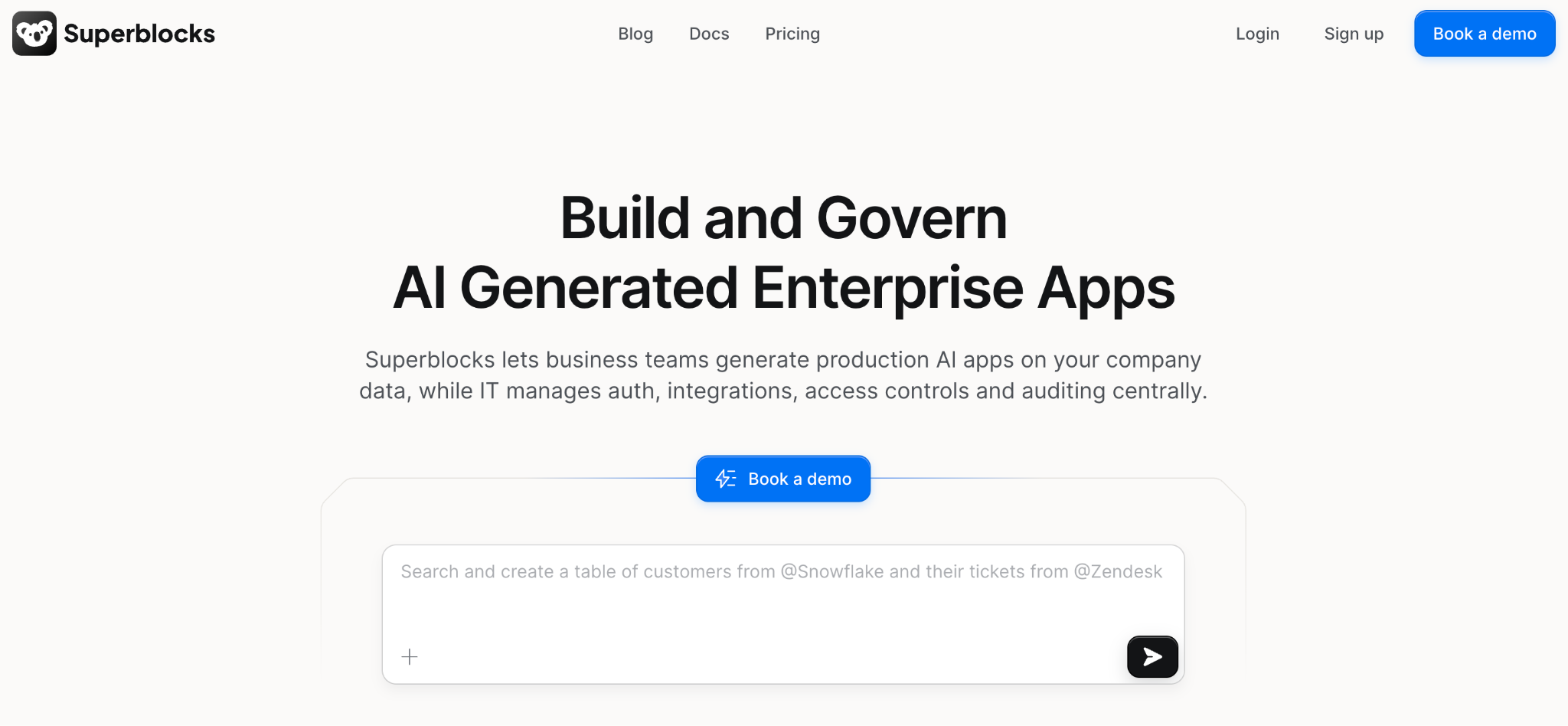
Superblocks is the best Replit alternative for enterprises that need governed internal tools built with AI, visual tools, or code.
Superblocks builds production-ready internal apps on private data with RBAC, SSO, and audit logs from day one.
Built on a SOC 2 and HIPAA-aligned foundation, its Clark AI generates apps you can export as React code. The on-premises agent keeps data in your VPC while the control plane runs in the cloud.
Key features
- 🤖 Clark AI generation: Turns prompts into full internal apps that enforce RBAC, SSO, and logging.
- 🔧 True code export: Apps export as React to modify, extend, or host elsewhere.
- 🛡️ Hybrid deployment: The on-premises agent keeps data in your VPC while the control plane runs in the cloud.
Pros
- ✅ Governance, RBAC, and audit logs built in from day one.
- ✅ Prompt-to-app building with no vendor lock-in.
- ✅ Integrates with 60+ data sources across integrations and Git-based workflows.
Cons
- ❌ Focused on internal tools, with consumer products out of scope.
- ❌ Clark is newer, with a smaller template library than legacy builders.
Best for
- Enterprises needing governance and compliance controls.
- Platform teams standardizing internal development.
Pricing
Superblocks Teams starts at $125 per AI Builder/month, with Enterprise using custom pricing based on users and deployment model. See Superblocks pricing or book a demo.
In practice, the NHS runs its Neuron platform on Superblocks, connecting 156+ APIs across 25,000 staff under IT governance, consolidating 200 tools into one governed environment.
Those tools now live in a system of record IT can query, not a shadow layer no one owns.
4. v0 by Vercel
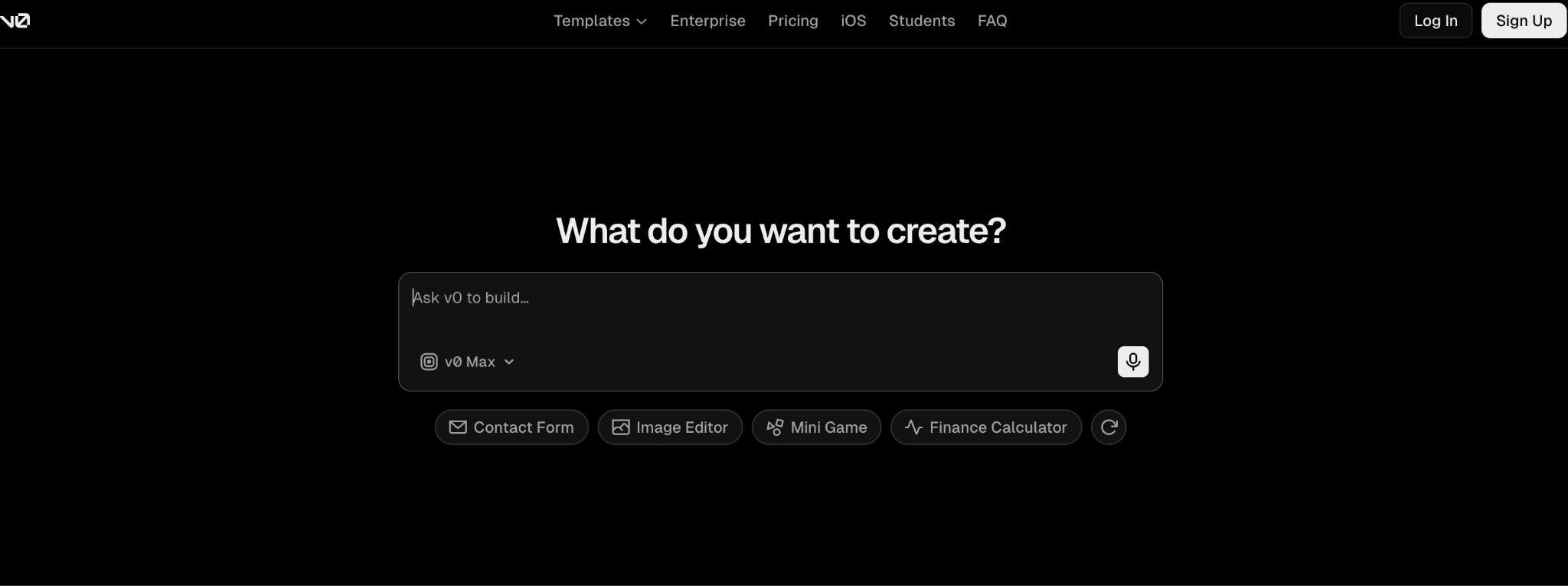
v0 is the best Replit alternative for generating frontend interfaces from a prompt.
Vercel's generative UI tool turns text or images into production-ready React, Tailwind, and shadcn/ui code, with the smoothest deployment flow of the tools here. Its strength is UI over complex backend logic.
Key features
- UI generation: Produces React with Tailwind and shadcn/ui components.
- Design import: Turns Figma files or screenshots into UI code.
- Vercel deployment: Ships to Vercel with minimal friction.
Pros
- ✅ High-quality, editable frontend code.
- ✅ Smoothest deployment flow here.
- ✅ Element-level control for precise edits.
Cons
- ❌ JavaScript frameworks only, with limited backend support.
- ❌ Prototyping-first, so complex logic needs manual work.
Best for
- Frontend developers and designers prototyping UI.
- Product managers building interface mockups.
Pricing
Free tier available, with Plus at $30/user/month and Business at $100/user/month for larger teams. See v0's pricing.
5. Base44
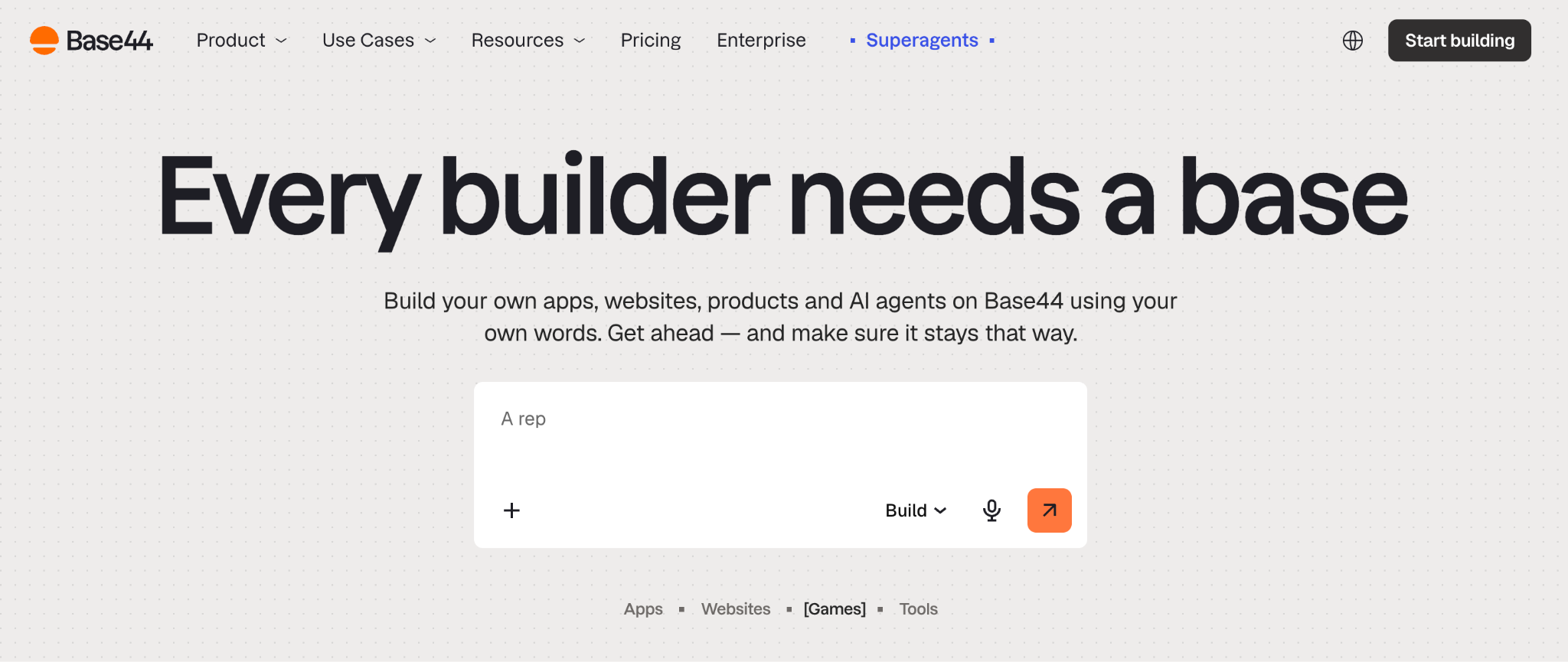
Base44 is the best Replit alternative for fully no-code building with no code exposure at any point.
It bundles hosting, a database, and logins into one tool, so non-technical builders go from prompt to working app entirely inside the platform. Parallel AI agents tackle tasks in the background while you keep editing.
Key features
- Fully no-code: Build complete apps from prompts with no code exposure.
- Built-in backend: Hosting, database, and authentication included.
- Parallel agents: Background agents handle complex tasks while you work.
Pros
- ✅ Bundles hosting, database, and logins in one price.
- ✅ Approachable for non-technical builders.
- ✅ Built-in security scanner flags AI code vulnerabilities.
Cons
- ❌ Export-only GitHub connection, gated to paid plans.
- ❌ Vendor lock-in is the tradeoff for the bundled convenience.
Best for
- Non-technical founders who never want to see code.
- Teams wanting an all-in-one no-code stack.
Pricing
Free tier with 25 message credits. Starter is $20/month, but Builder at $50/month is the practical entry for serious building, with a custom domain, backend functions, and code export. Pro is $100/month above it. See Base44's pricing.
6. Cursor
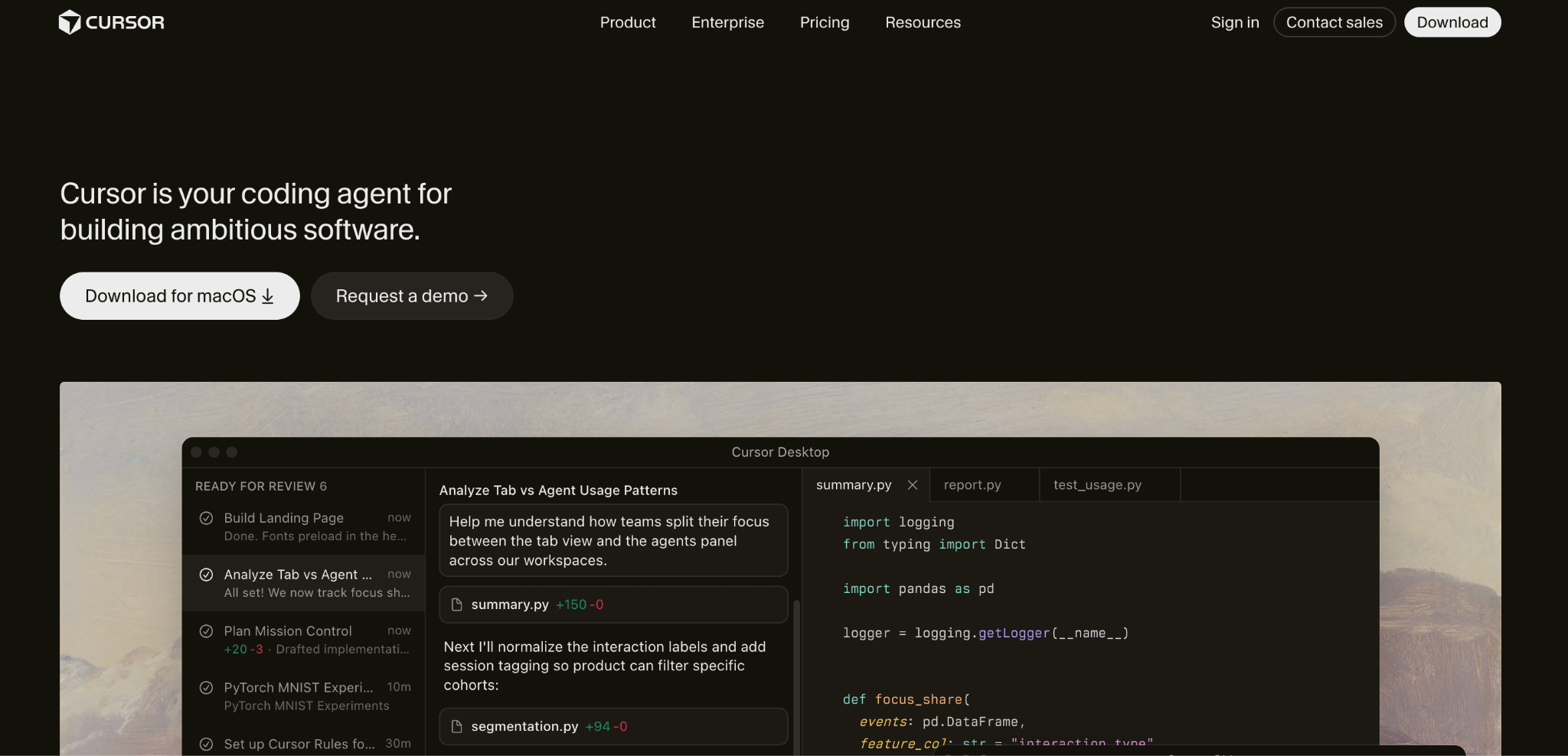
Cursor is the best Replit alternative for developers who want a professional AI-native IDE over a browser sandbox.
It's a desktop editor built on VS Code that puts AI into a professional coding flow, from autocomplete to multi-file agent edits. It targets developers who write and review code themselves.
Key features
- Agent mode: Handles multi-step, multi-file changes from one instruction.
- Codebase awareness: Reads your whole workspace for context.
- Familiar environment: Full VS Code compatibility and extensions.
Pros
- ✅ Professional-grade editor with deep AI integration.
- ✅ Strong agent mode for coordinated edits.
- ✅ Works with existing repos and tools.
Cons
- ❌ Needs separate hosting and deployment on your own infrastructure.
- ❌ Credit costs climb once you leave Auto mode.
Best for
- Professional developers wanting AI in their IDE.
- Engineers who review and apply their own changes.
Pricing
Free Hobby tier. Pro is $20/month, with Pro+ at $60/month and Ultra at $200/month for heavier use. See Cursor's pricing.
7. GitHub Codespaces
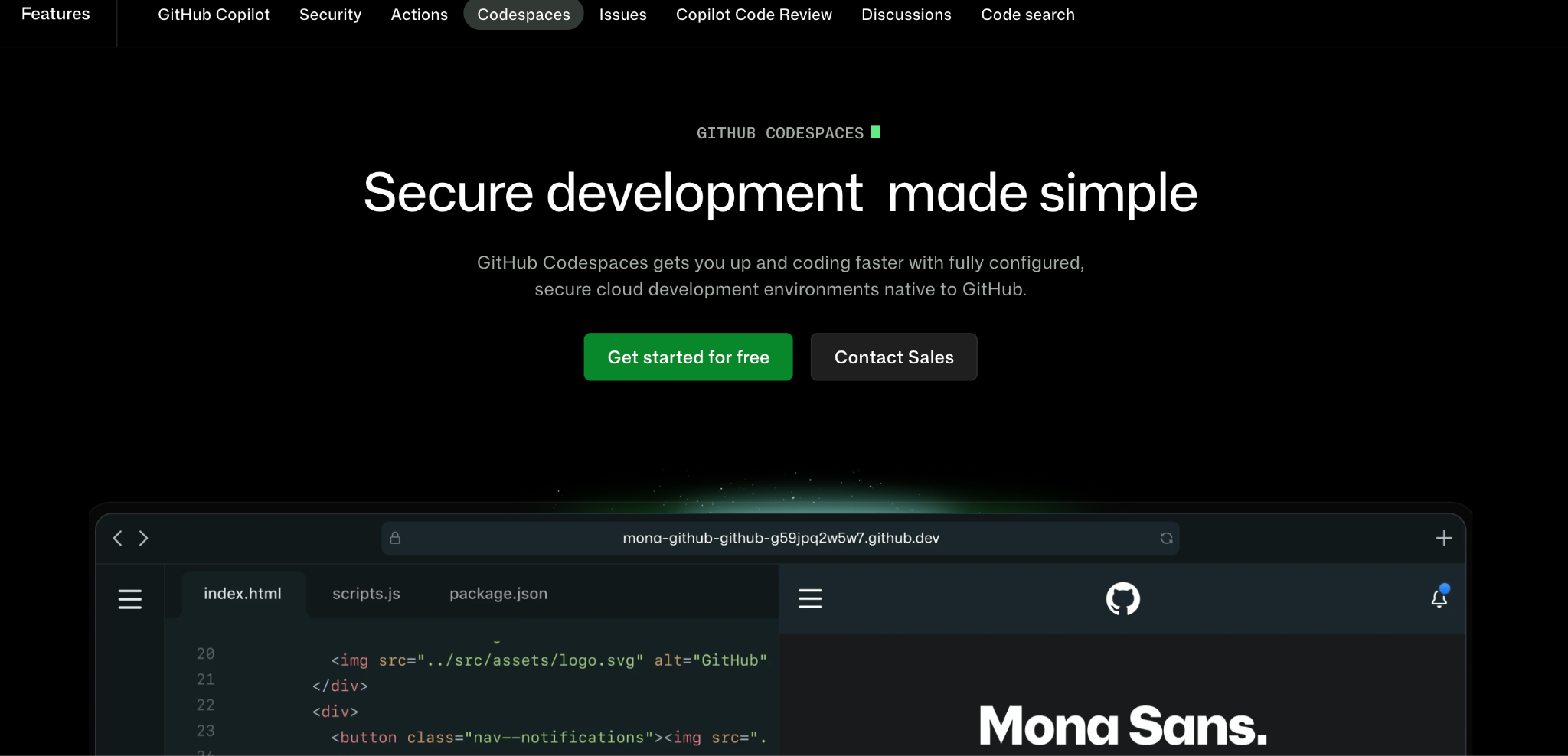
GitHub Codespaces is the best Replit alternative when you want a serious cloud IDE tied to your GitHub repos.
It spins up a full VS Code environment in the browser, connected directly to your repositories. It's the cleanest cloud-IDE replacement for developers whose main need is an environment, not an AI app generator.
Key features
- Full VS Code: The desktop editor experience in the browser.
- Repo-connected: Launches environments directly from any GitHub repo.
- Configurable containers: Define consistent setups with dev containers.
Pros
- ✅ Real VS Code with full extension support.
- ✅ Tight GitHub integration.
- ✅ Generous free tier for personal use.
Cons
- ❌ Usage-based billing gets expensive with daily use.
- ❌ No built-in AI app generation like Replit's agent.
Best for
- Developers living in GitHub-based workflows.
- Teams wanting consistent, disposable environments.
Pricing
Free tier with 120 core hours or 60 hours of run time on a 2-core codespace each month, then usage-based from about $0.18 per core-hour. See Codespaces pricing.
8. Bubble
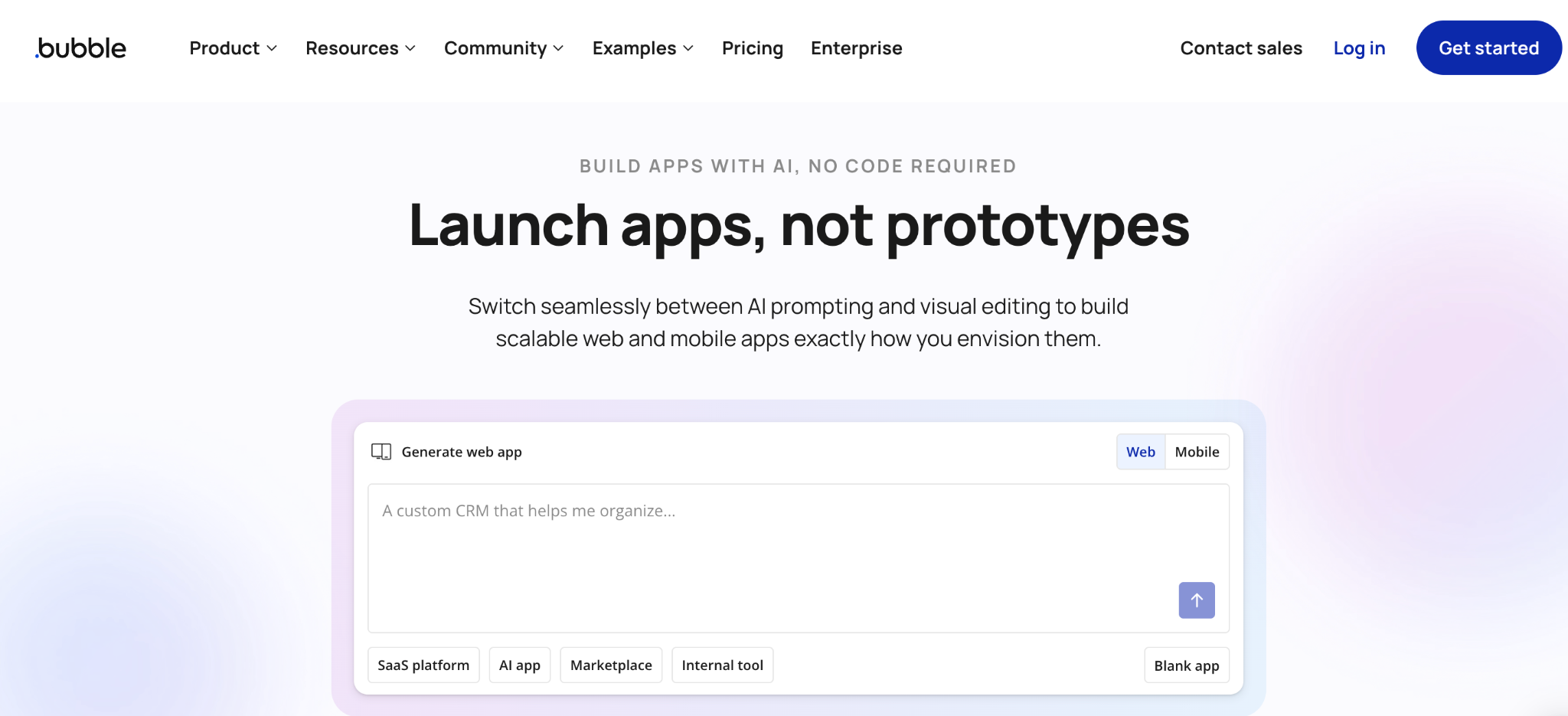
Bubble is the best Replit alternative for building customer-facing web and mobile apps in a no-code workflow.
It's a mature no-code platform with an AI app generator, user authentication, and payments built in. Bubble handles the full customer-facing stack: UI, auth, hosting, and payments in one place.
Key features
- Customer-facing focus: UIs, auth, and payments for public products.
- Visual programming: Trigger-action workflows through drag-and-drop.
- Plugin marketplace: A large library extends functionality.
Pros
- ✅ Purpose-built for customer-facing apps.
- ✅ Mature platform with a big community.
- ✅ Hosting, database, and users in one place.
Cons
- ❌ Steep learning curve for a no-code tool.
- ❌ Workload-unit pricing makes costs hard to predict.
Best for
- Founders building public-facing products.
- Teams wanting no-code with a large plugin library.
Pricing
Free development tier. Paid plans start at $69/month billed monthly for the Web & Mobile Starter ($59 annual), with usage-based workload units. See Bubble's pricing.
9. Glide
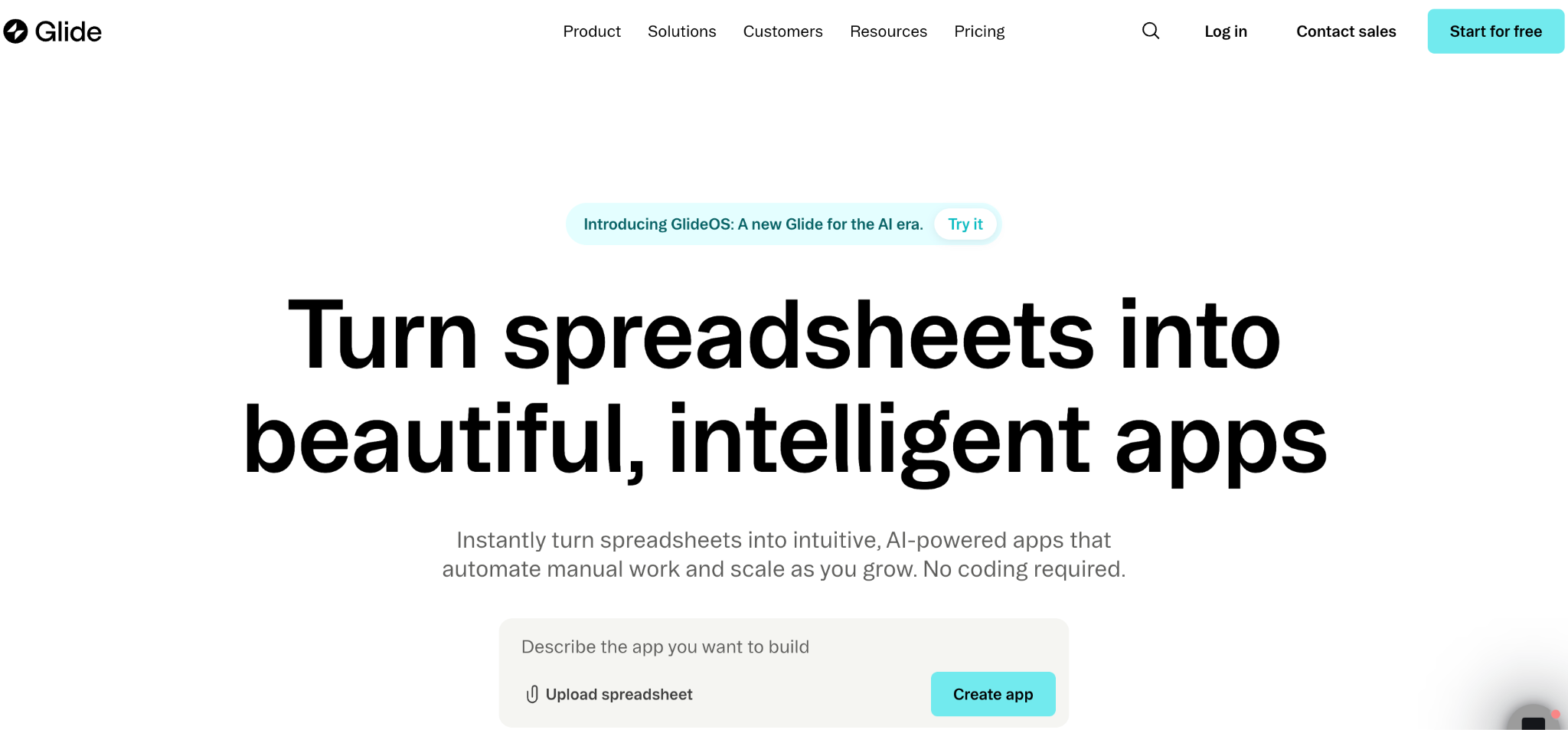
Glide is the best Replit alternative for turning spreadsheet data into mobile-responsive apps fast.
It converts Google Sheets or Excel data directly into a working app, which makes it the quickest path for teams whose data already lives in spreadsheets.
Key features
- Spreadsheet-to-app: Direct conversion from Sheets or Excel.
- Mobile-responsive: Clean output on mobile out of the box.
- Quick setup: Minimal configuration to a working app.
Pros
- ✅ Fastest path from spreadsheet to app.
- ✅ Approachable for non-technical builders.
- ✅ Clean mobile-responsive output.
Cons
- ❌ Limited for complex logic or large datasets.
- ❌ Less extensible than code-friendly alternatives.
Best for
- Teams whose data already lives in spreadsheets.
- Non-technical builders needing quick mobile apps.
Pricing
Free tier available. Paid plans start at $25/month for individuals and $249/month for businesses. See Glide's pricing.
How to evaluate Replit alternatives
The right choice comes down to matching a platform to how you build. Five questions to work through:
- How much code do you want to see? Developers who want to edit files should look at Cursor or Codespaces, while non-coders are better served by Base44, Bubble, or Glide.
- Do you need code ownership? If avoiding lock-in matters, prioritize platforms that export standard code or sync with GitHub, so you can leave with the code intact.
- How does pricing scale? Effort-based and credit models get unpredictable fast. Model your real cost including iterations and bug fixes, since sticker prices routinely triple in practice.
- Is this for prototypes or production? Some tools shine at demos but stall at production. If you're shipping real apps, prioritize deployment control and governance.
- What governance do you need? Teams touching private data need RBAC, audit logs, and SSO in the base tier, so compliance essentials aren't a pay-more feature.
Stop paying per prompt for apps you can't govern
Replit opened browser-based AI coding, but its effort-based pricing and prototype focus push teams toward alternatives that fit how they build in practice. The AI app builders win on polish and speed, while enterprise platforms compete on governance and production readiness.
If you need governed enterprise apps built with AI, visual tools, or code that stays yours to modify, extend, or host anywhere, Superblocks is worth a look.
For a head-to-head look at how Superblocks compares to a leading AI app builder, see our Superblocks vs. Lovable breakdown.
Want to try governed app building yourself? Start with the Superblocks Quickstart Guide.
Book a demo to see Clark AI generating governed apps in your own environment.
Frequently asked questions
What is the best Replit alternative?
The best Replit alternative depends on your use case. Lovable leads for polished app MVPs, Bolt for fast prototypes, and Superblocks for governed enterprise apps. Most teams pick based on code visibility and whether they're building prototypes or production tools.
Is there a free alternative to Replit?
Yes, several Replit alternatives have free tiers. v0, Base44, Bubble, and Glide all offer free plans, and GitHub Codespaces includes 120 free core-hours monthly for personal accounts. These let you build and test before paying, though most cap usage or gate advanced features.
Why do people switch from Replit?
People switch from Replit mainly over cost and production limits. Its effort-based agent pricing runs three to five times the sticker price for active teams, every failed AI attempt burns credits, and its apps are hard to take to production with proper governance.
What is the best Replit alternative for non-coders?
The best Replit alternative for non-coders is Base44 or Lovable. Base44 is fully no-code with no code exposure, while Lovable generates polished apps from prompts. Both let non-technical builders ship working apps, though Lovable exposes the React code if you want it.
Which Replit alternative is best for enterprises?
The best Replit alternative for enterprises is one with governance built in. Superblocks fits enterprises needing RBAC, audit logs, SSO, and hybrid deployment with code export, building production internal tools on private data where Replit optimizes for prototypes.
At Virgin Voyages, non-technical teams now build their own AI apps, with IT governance fully intact. The result: 15+ production apps, seven departments onboard, and zero dedicated frontend engineers.
At Matthews, a marketing manager with zero coding background built an app that auto-generates offering memorandums, cutting turnaround from days to hours. See how the brokerage is putting AI builders on every team, with full governance intact.


Stay tuned for updates
Get the latest Superblocks news and internal tooling market insights.
Request early access
Step 1 of 2
Request early access
Step 2 of 2

You’ve been added to the waitlist!
Book a demo to skip the waitlist
Thank you for your interest!
A member of our team will be in touch soon to schedule a demo.
production apps built
days to build them
semi-technical builders
traditional developers
high-impact solutions shipped
training to get builders productive
SQL experience required
See the full Virgin Voyages customer story, including the apps they built and how their teams use them.

"Those tools are great for proof of concept. But they don't connect well to existing enterprise data sources, and they don't have the governance guardrails that IT requires for production use."
Table of Contents


Multiple authors
What Are AI Code Guardrails? Types and Uses in 2026
Explore AI code guardrails that secure AI output, block secrets, and enforce policy before code ships. Here are the types and how to use them.
.png)
%20(1).png)